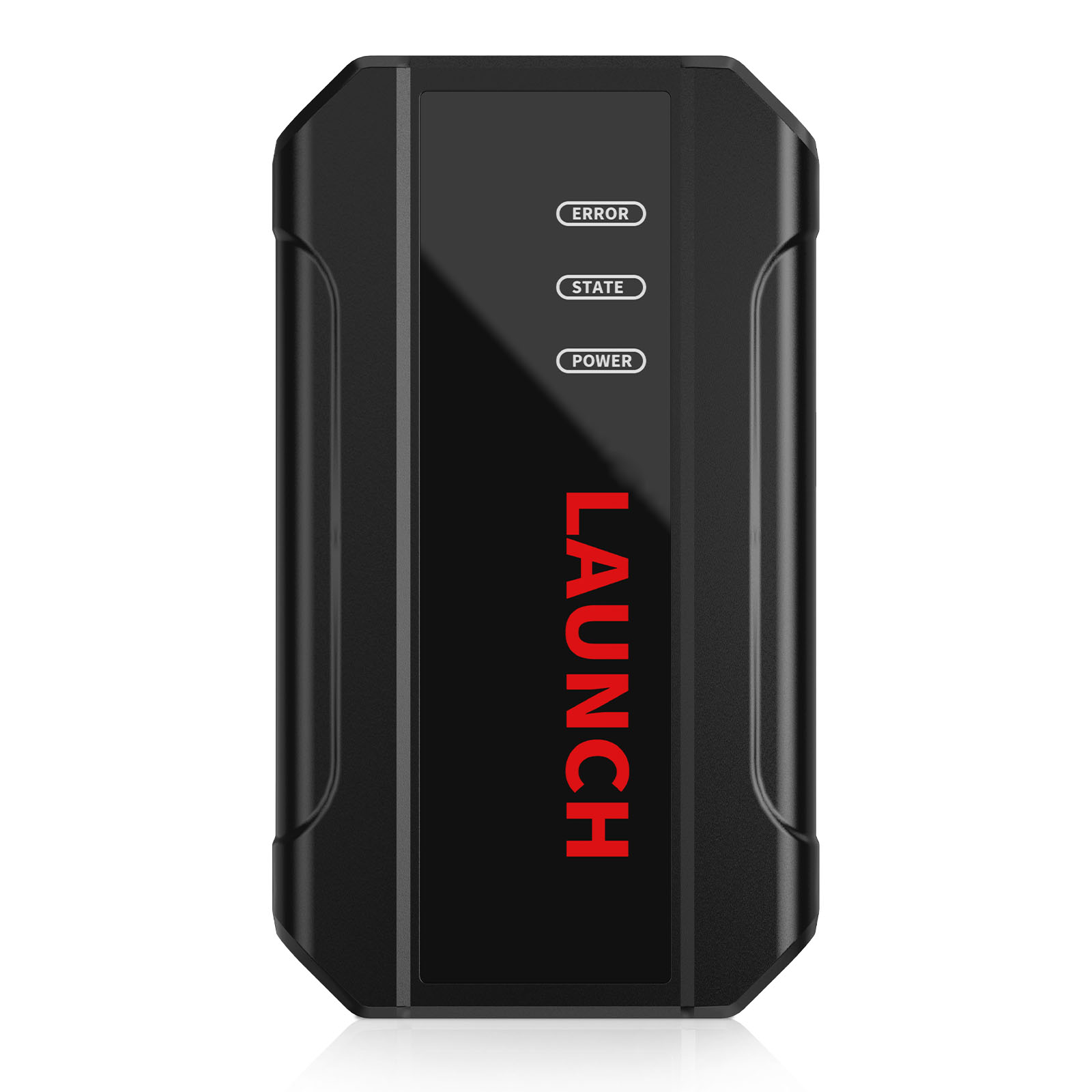
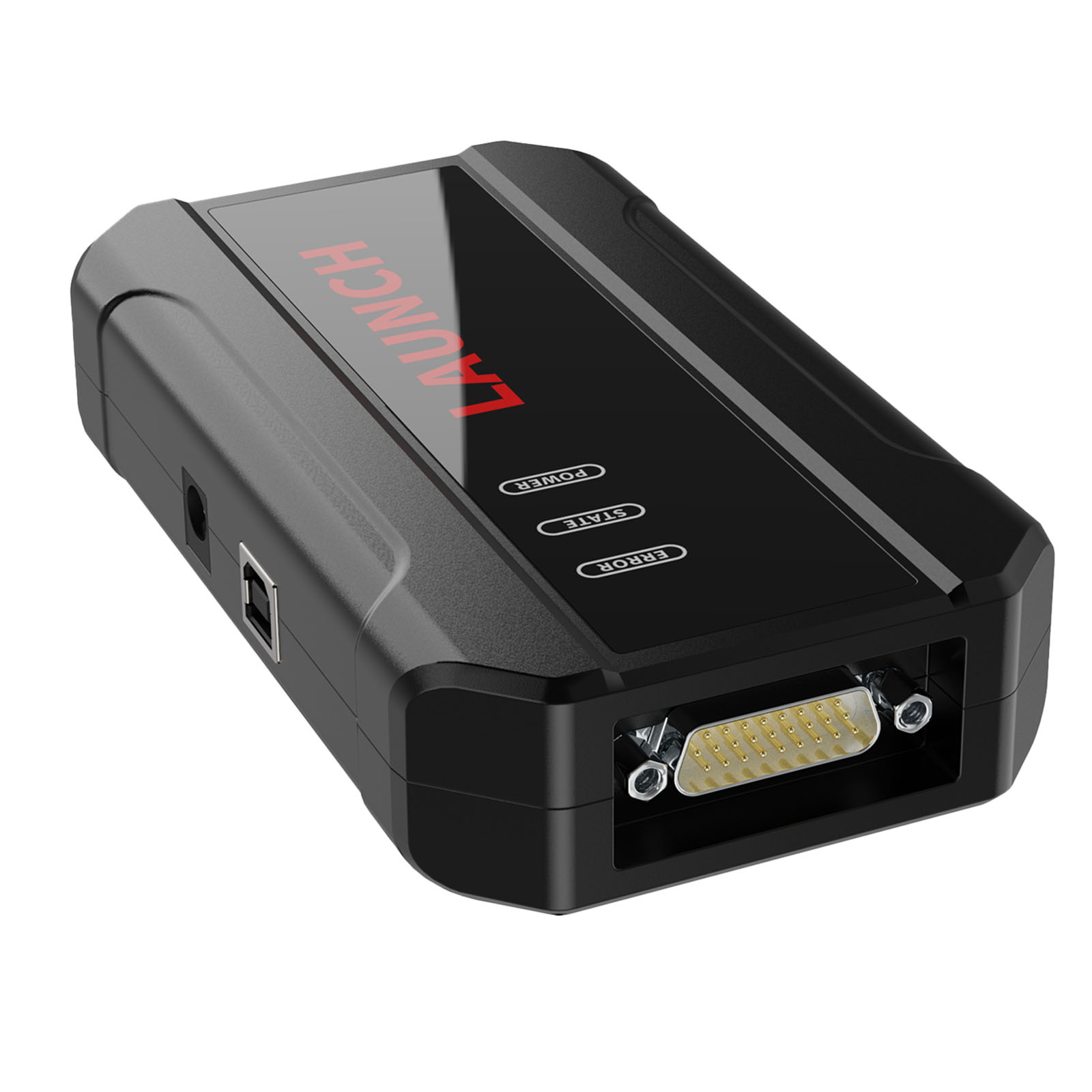
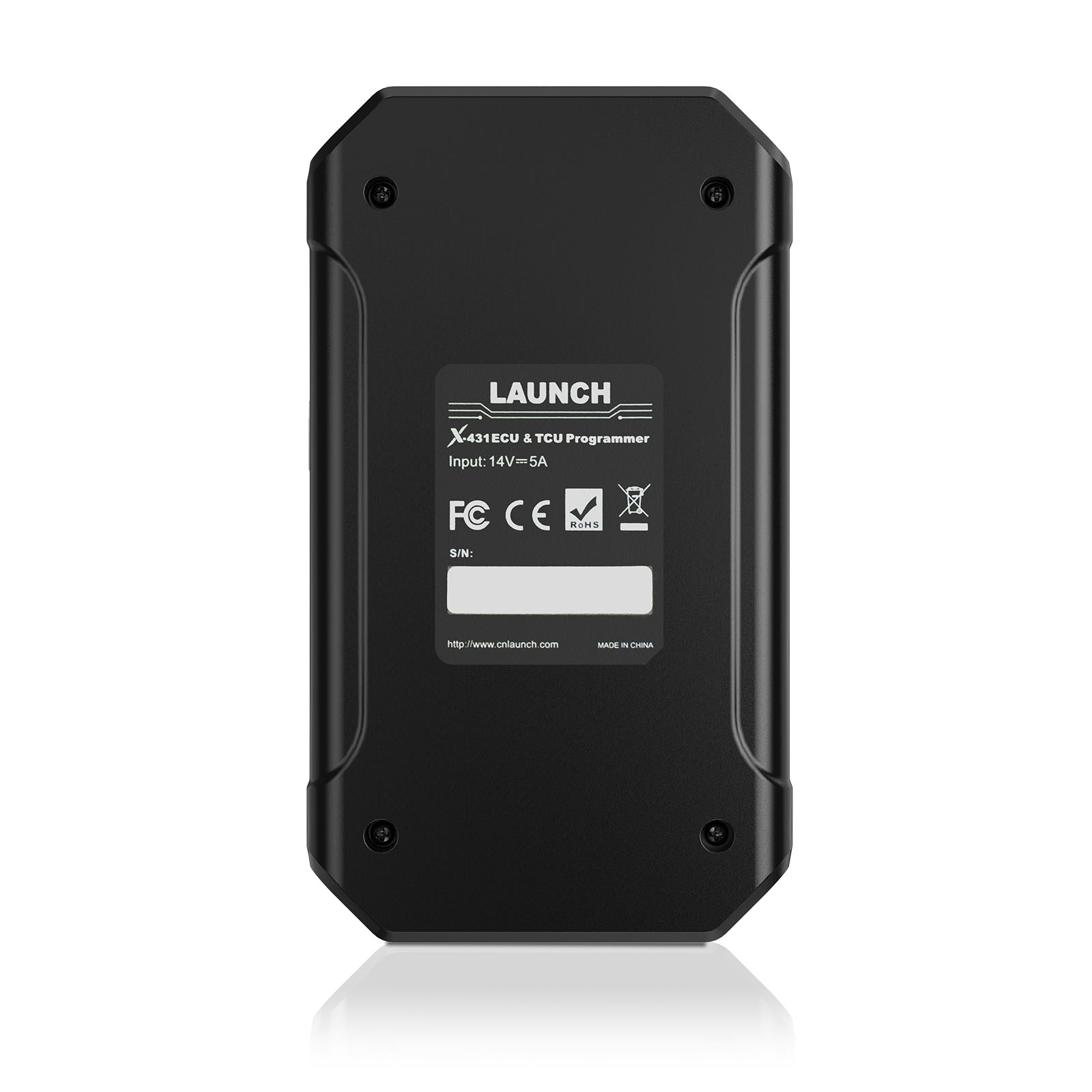
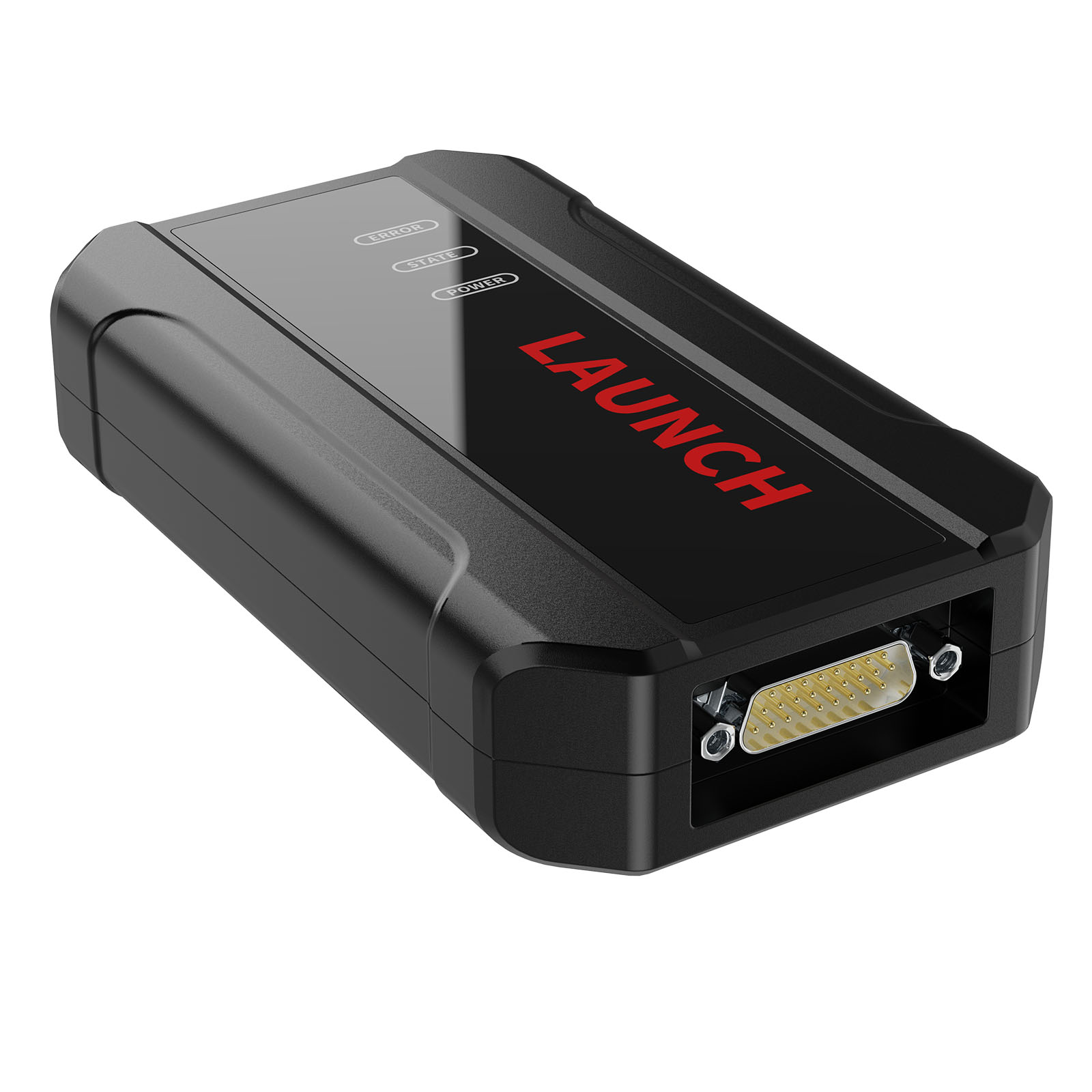
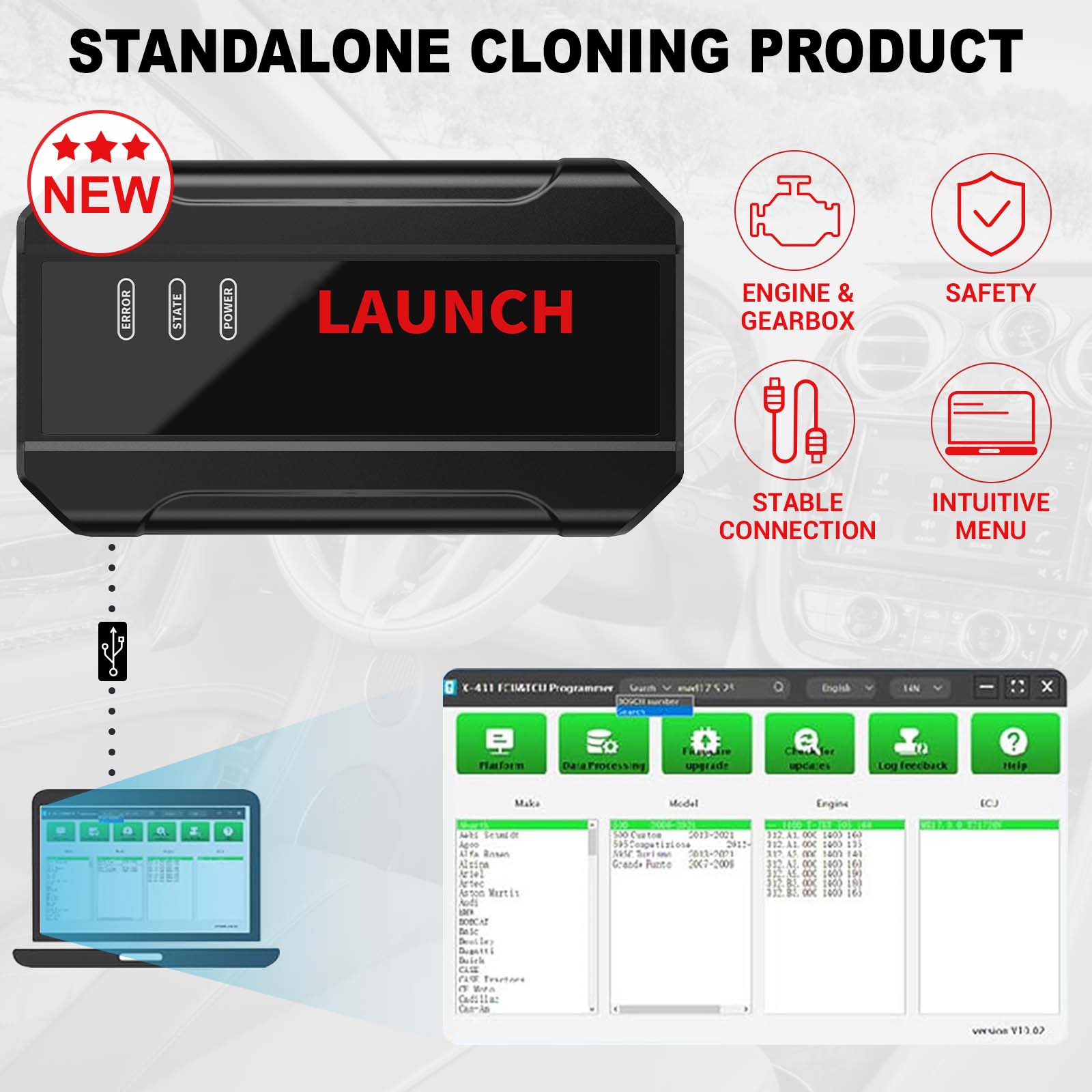
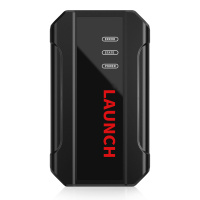
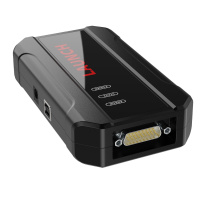
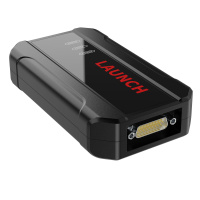
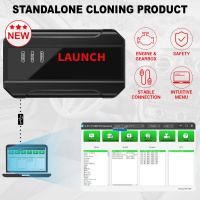
Launch X431 ECU & TCU Programmer Support ECU Read and Write Standalone Supports Checksum Correction IMMO Off
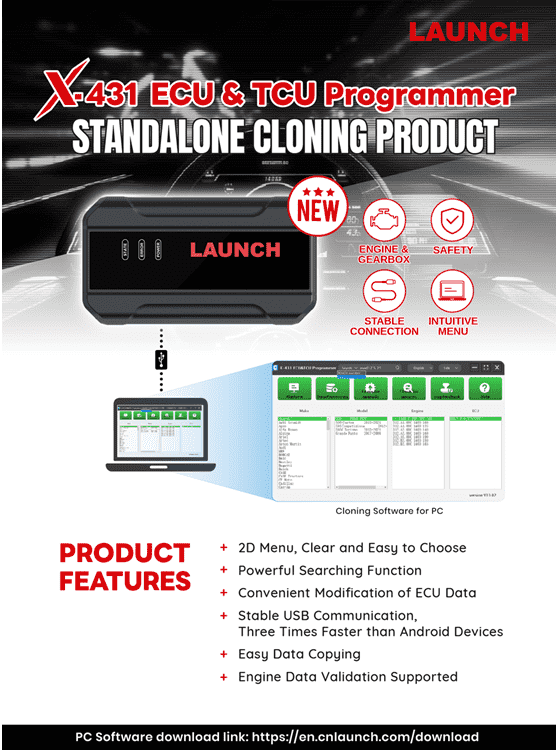
Launch X-431 ECU & TCU Programmer supports ECUs data reading & writing quickly, including reading the chip ID and backing up the EEPROM data, backing up the FLASH data and restoring EEPROM/FLASH data. There are two methods to read various vehicle brand ECUs info. The X-431 ECU & TCU Programmer also supports Data Processing, anti-theft shutdown and file verification.
Features:
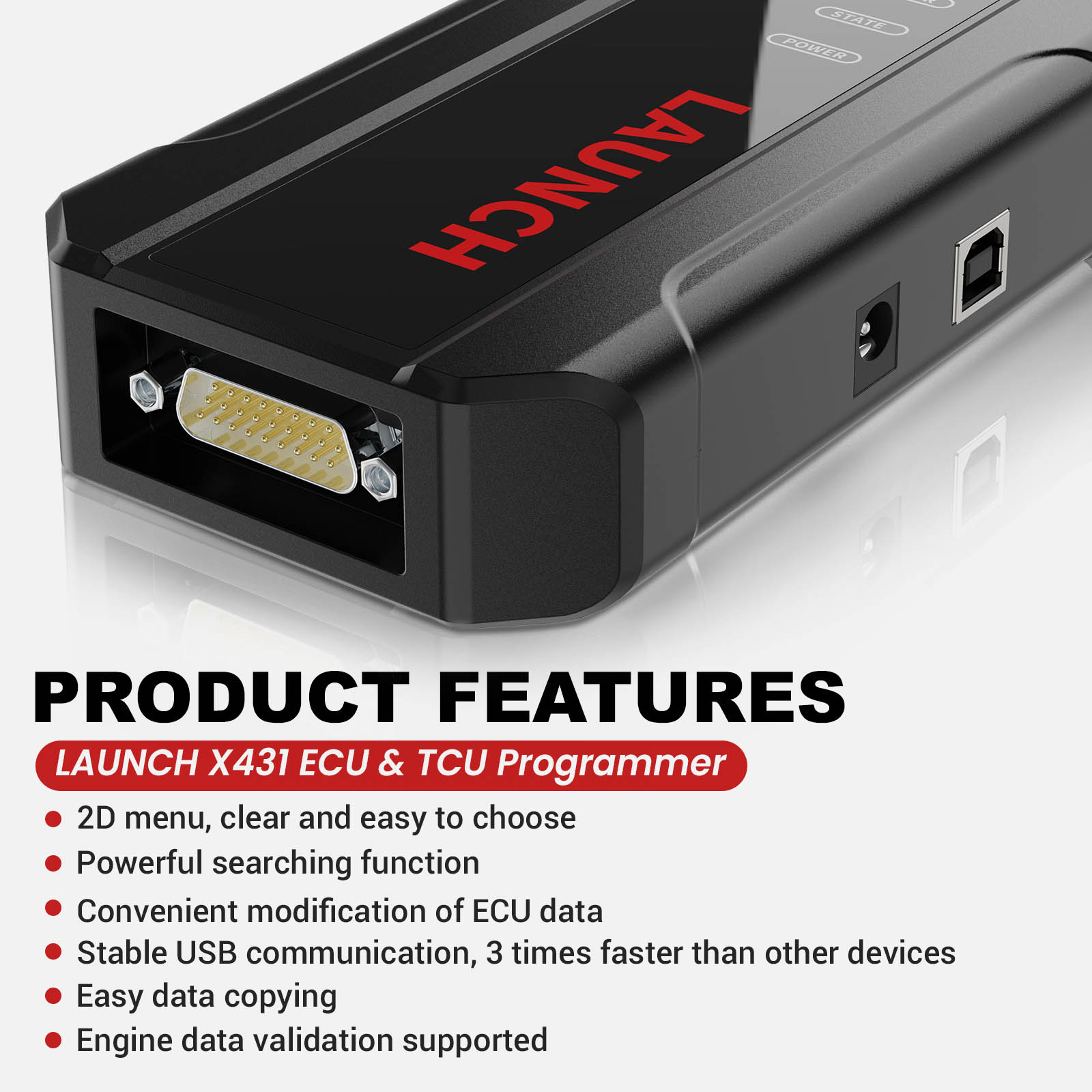
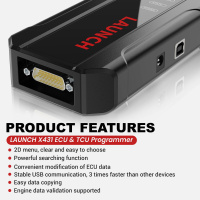
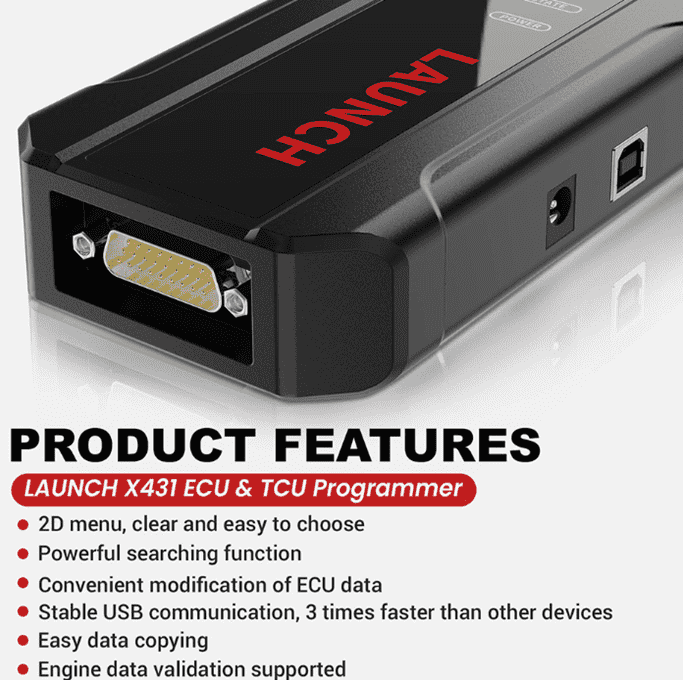
1. 2D menu, clear and easy to choose
2. Powerful search function
3. Convenient modification of ECU data
4. USB communication, with a speed more than three times that of Android devices, making it more stable
5. Easy to copy data
6. Support engine data validation function
7. One year free update
8. X-431 ECU TCU Programmer Support Function List
Software download link: https://en.cnlaunch.com/download
Launch X431 ECU TCU Progarmmer Functions:
1. ECUs Data Reading & Writing quickly.
• Support two methods to read various vehicle brand ECUs info.
• Support Read the chip ID and Back up the EEPROM data.
• Support Back up the FLASH data and Restore EEPROM/FLASH data
2. Support Data Processing, anti-theft shutdown and file verification.
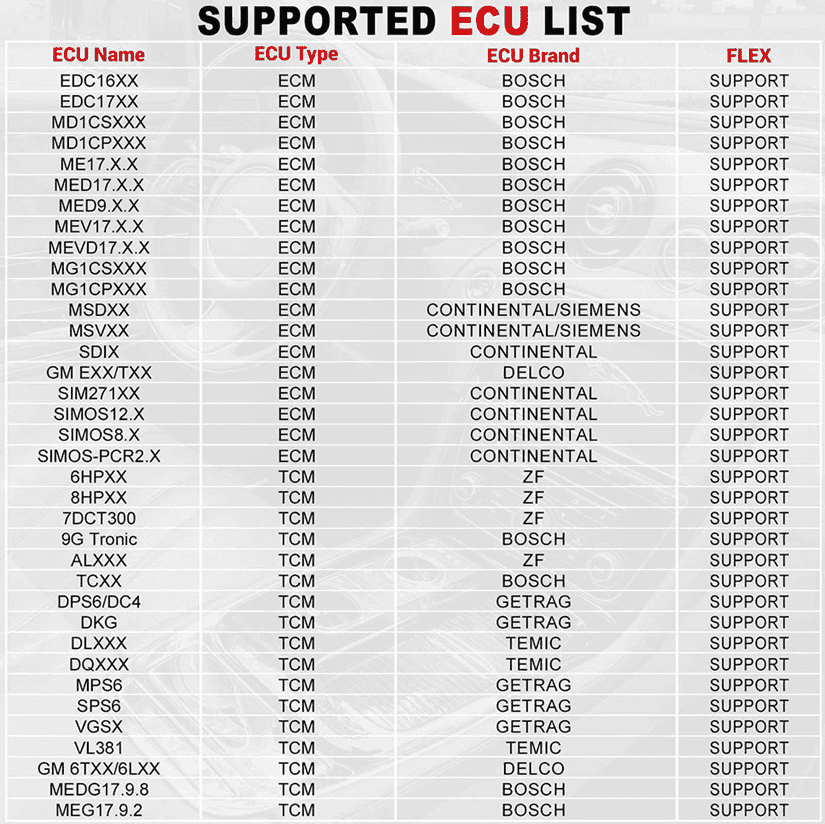
ECU Support list June 2023:
Launch X431 ECU TCU Programmer and PC Software Use Guide:
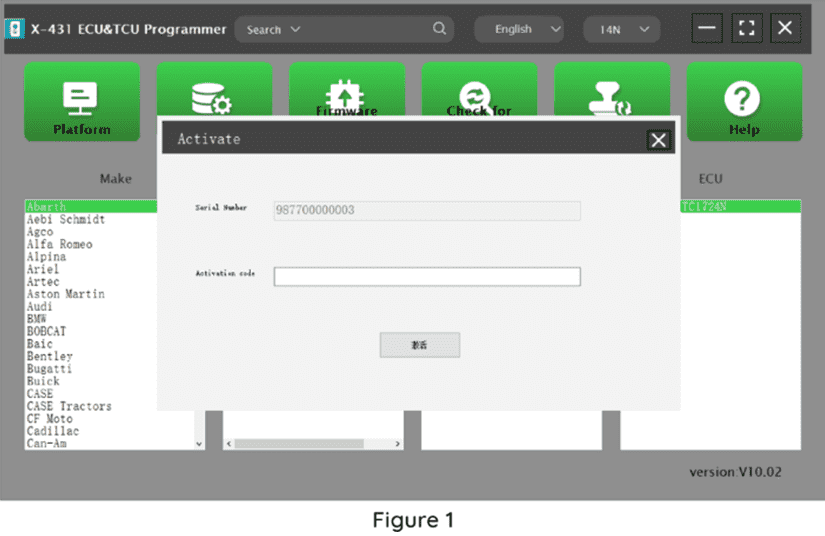
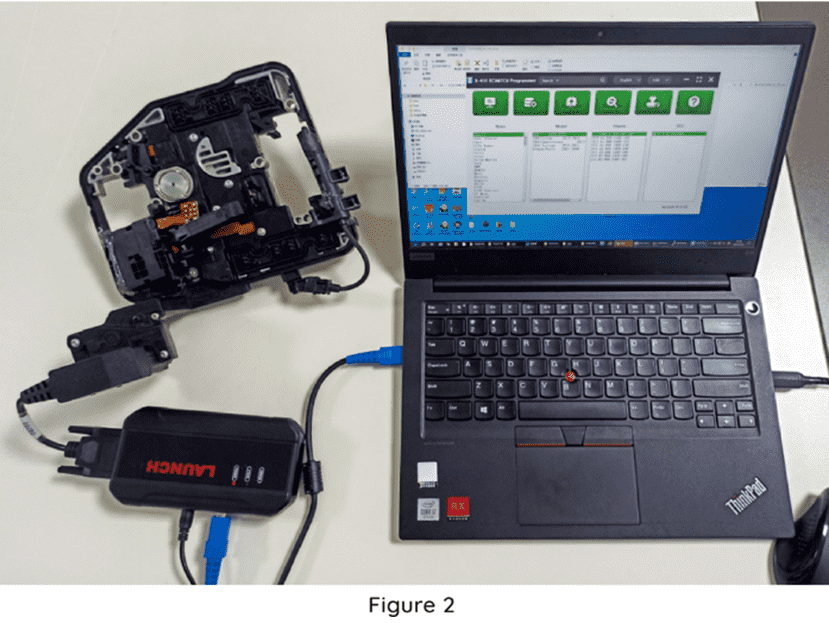
Firstly, connect the X431 ECU &TCU Programmer to the computer with a cable. Then, click to enter the software. The serial number will be automatically recognized from the X-431 ECU &TCU Programmer, and the activation code needs to be obtained from the envelope bar of the X-431 ECU&TCU Programmer.
Click [Activate] to activate (only activate once, no need to activate again later), as shown in Figure 1. Without connection, you cannot access the software, as shown in Figure 2.
I. ECU Date Reading and Writing:
1. Obtain the related ECU.
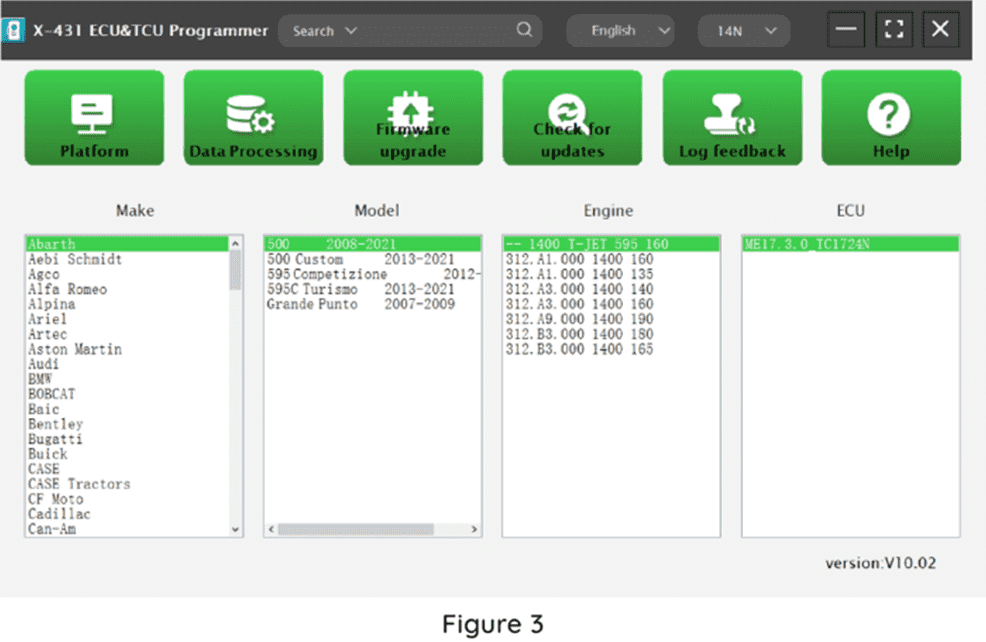
Method (1): Obtain the desired ECU type through brand > model > engine > ECU in turn, as shown in Figure 3.
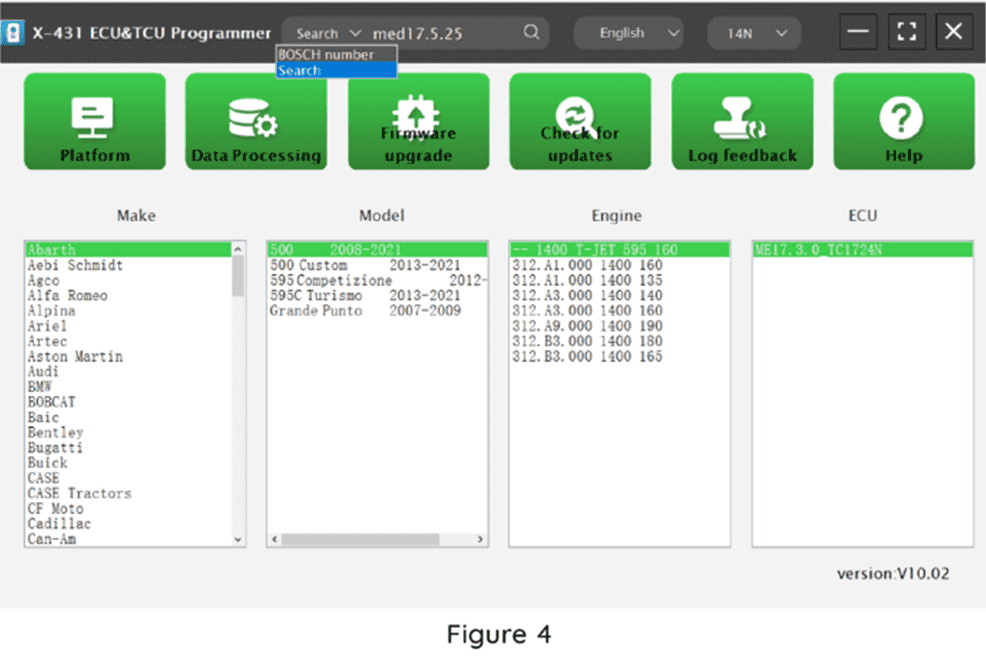
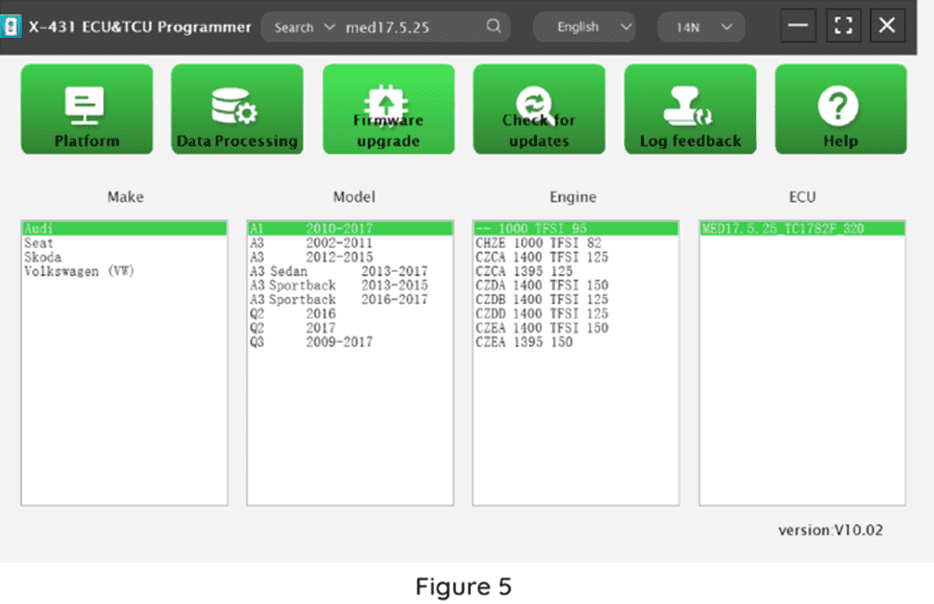
Method (2): Query the desired ECU by entering a value in the search box. The search categories include Bosch number and Search, as shown in Figure 4. For example, search for the MED17.5.25 engine by Search, as shown in Figure 5.
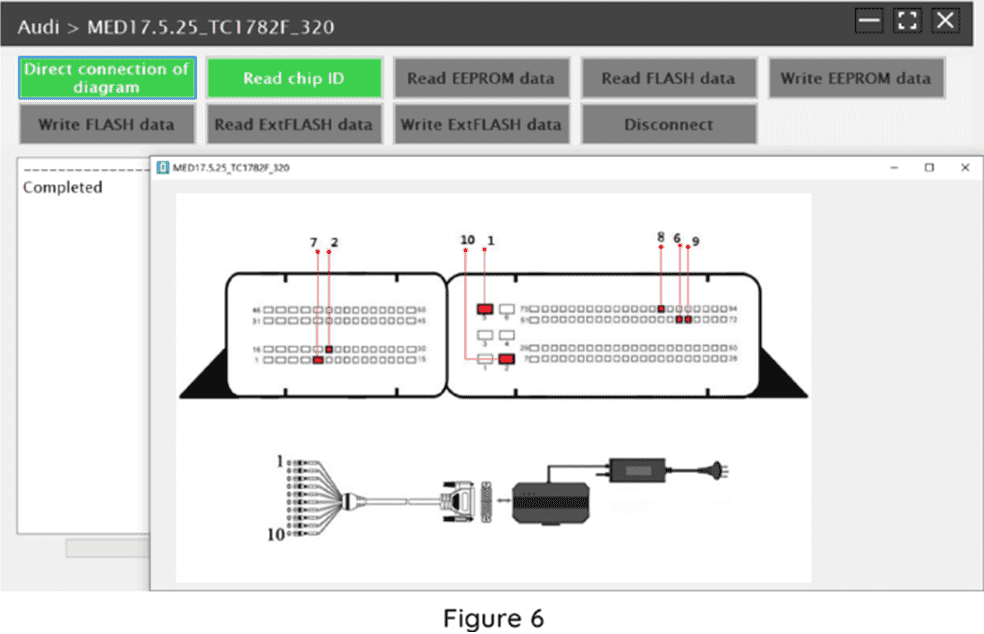
2.Click [Direct Connection Diagram] to obtain the ECU connection diagram, as shown in Figure 6.
3. Connection:
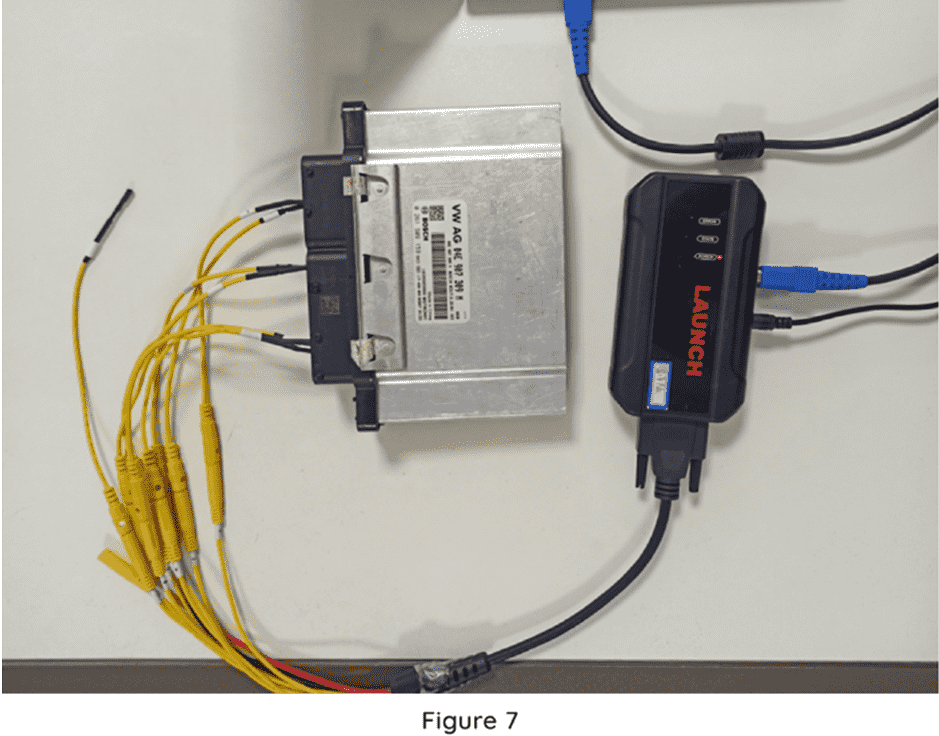
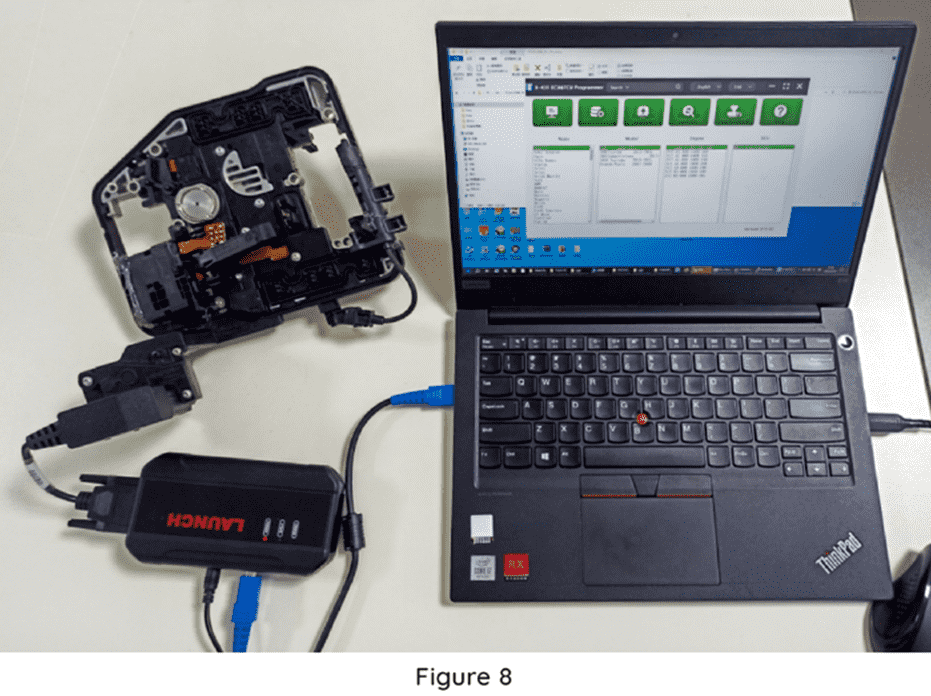
Connect the ECU and PCBOX according to the information provided in the connection diagram. The physical connection diagram of MED17 .5 .25 (using the BENCH mode line)is shown in Figure 7, and the physical connection diagram using the gearbox adapter is shown in Figure 8.
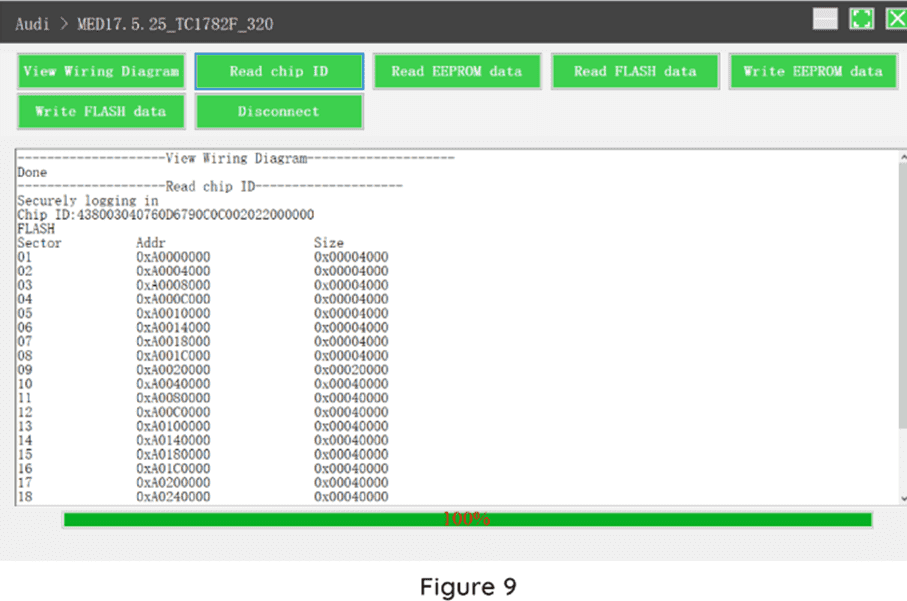
4. Read the chip ID, as shown in Figure 9.
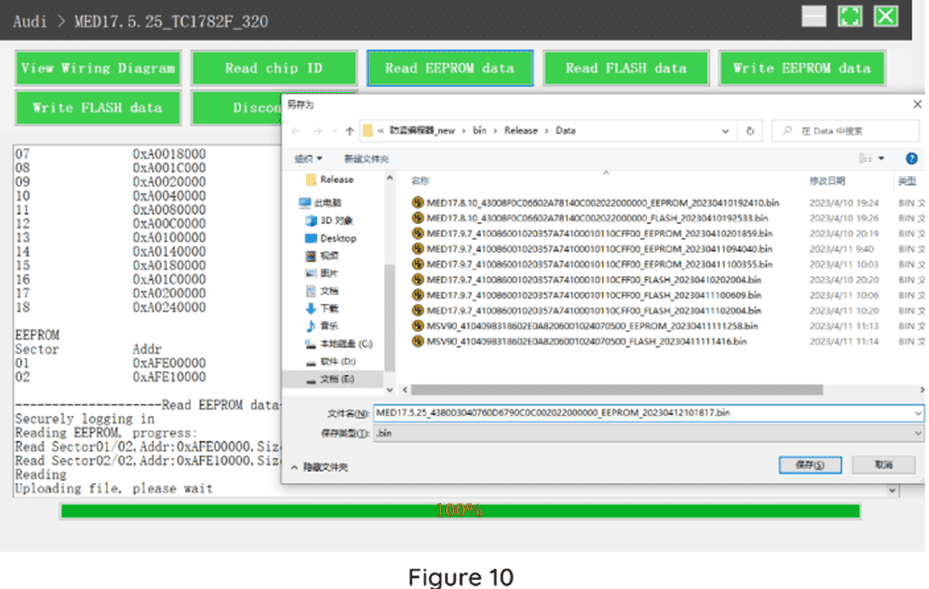
5. Back up the EEPROM data and save it, as shown in Figure 10 (the figure shows the save page of the read date).
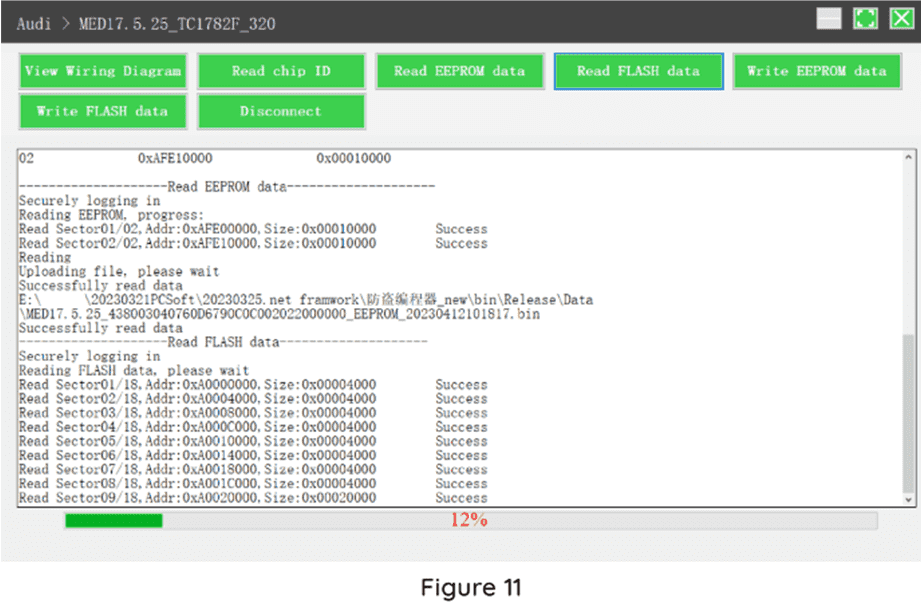
6. Back up the Flash date and save it, as shown in Figure 11 (the figure shows the process of reading FLASH date).
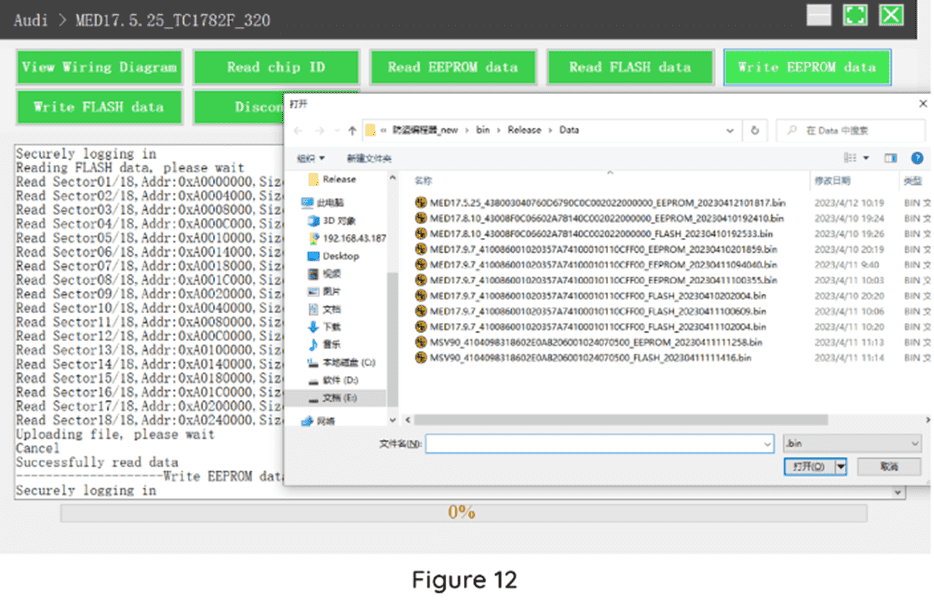
7. Restore EEPROM / FLASH date, as shown in Figure 12 (the figure shows the file selection page).
II. Date Processing
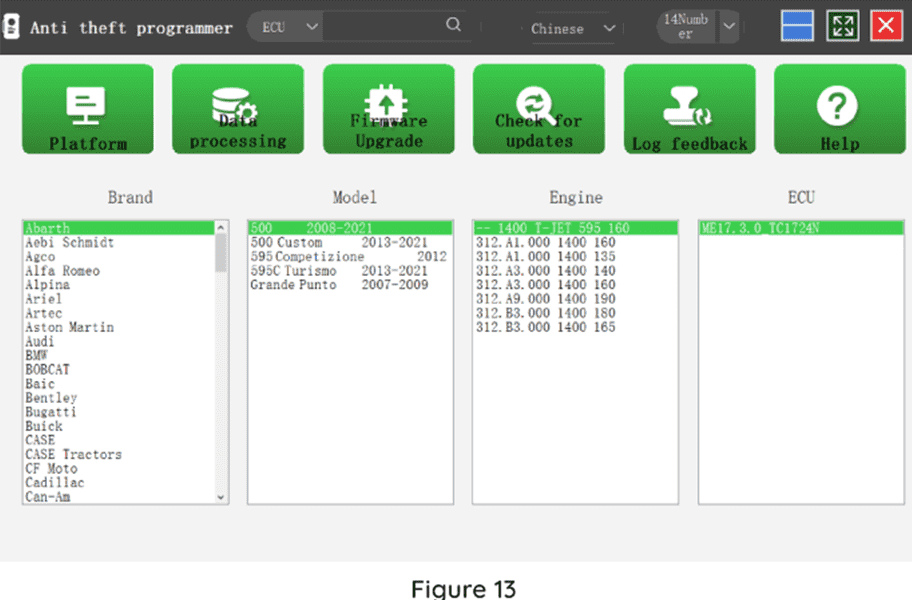
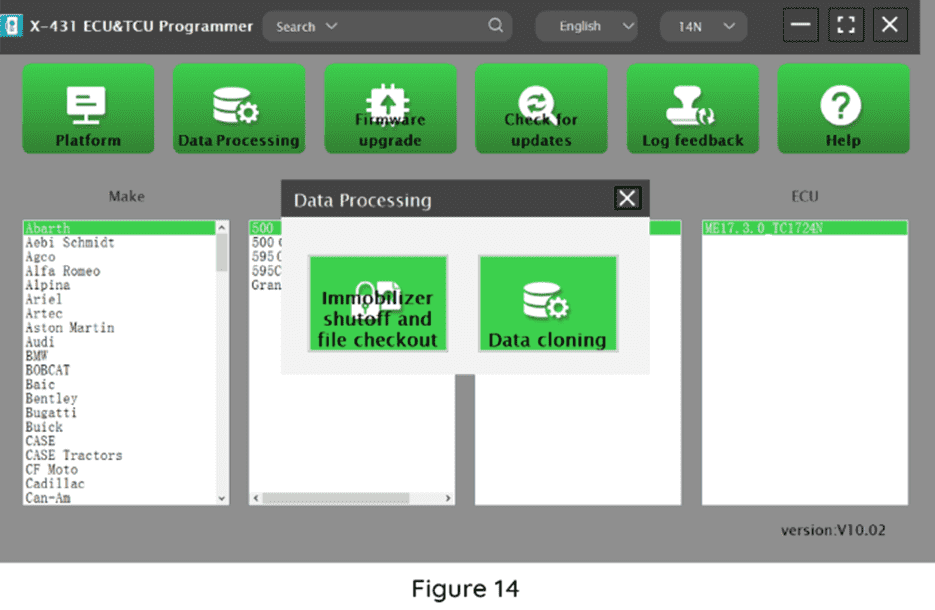
1. Click the [Date Processing] button on the main page, as shown in Figure 13, and select [IMMO Off and File Verification] ([DTC Shield] is not currently supported), as shown in Figure 14.
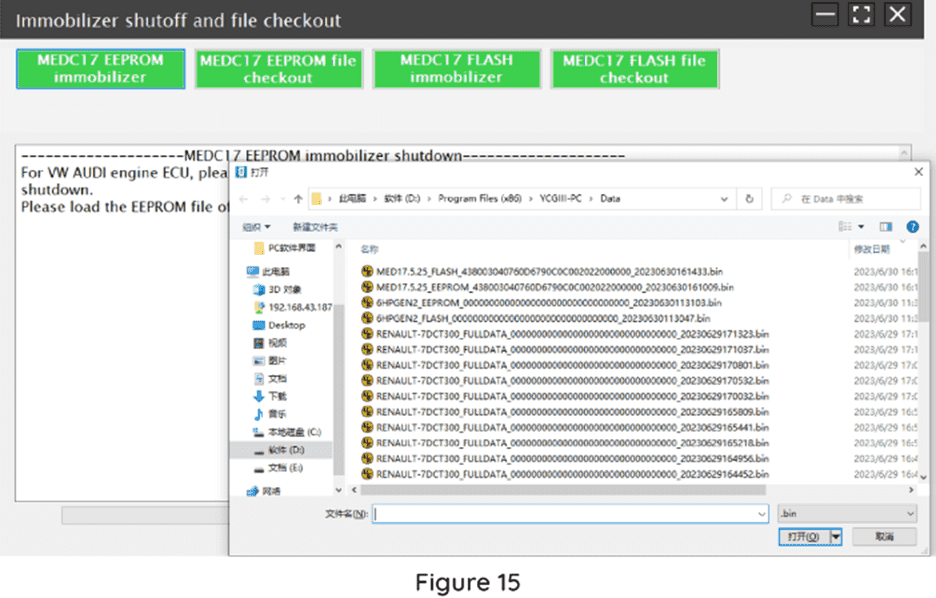
2. File verification and IMMO OFF (process: select file>connect network to obtain>save file), as shown in Figure 15
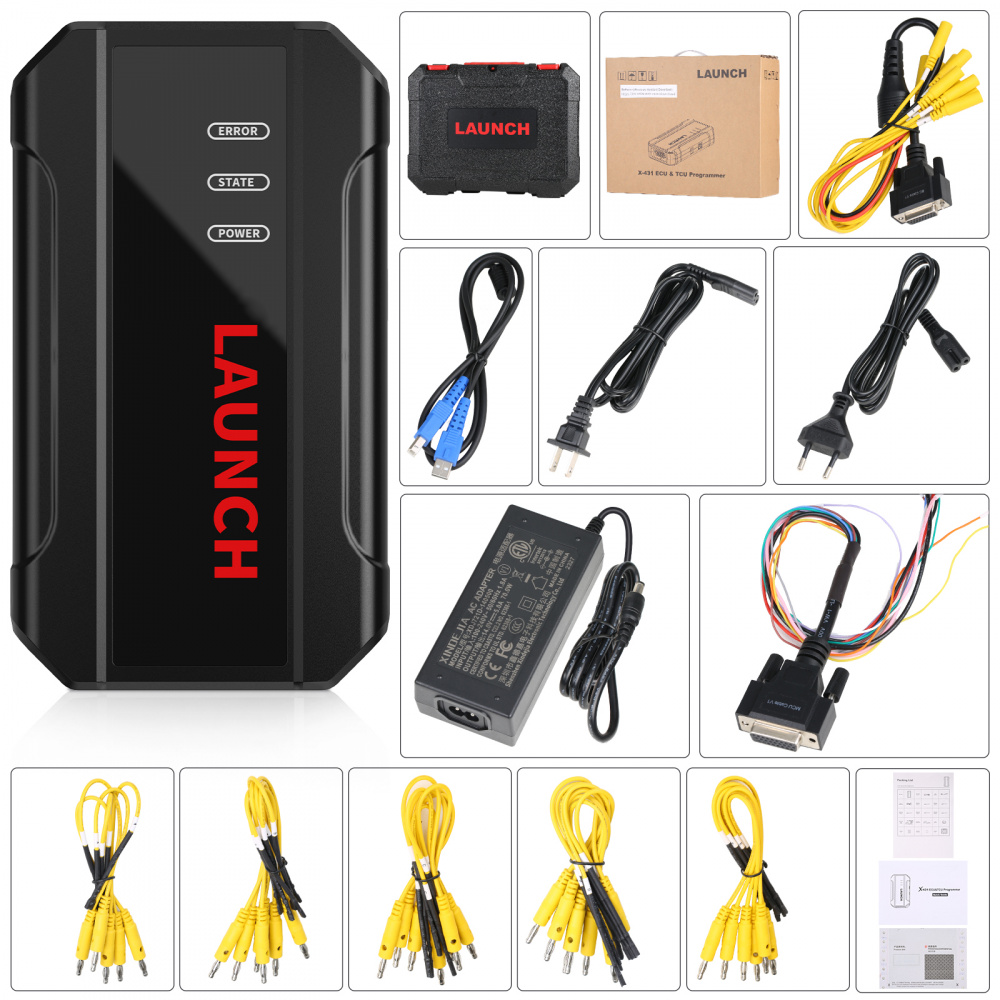
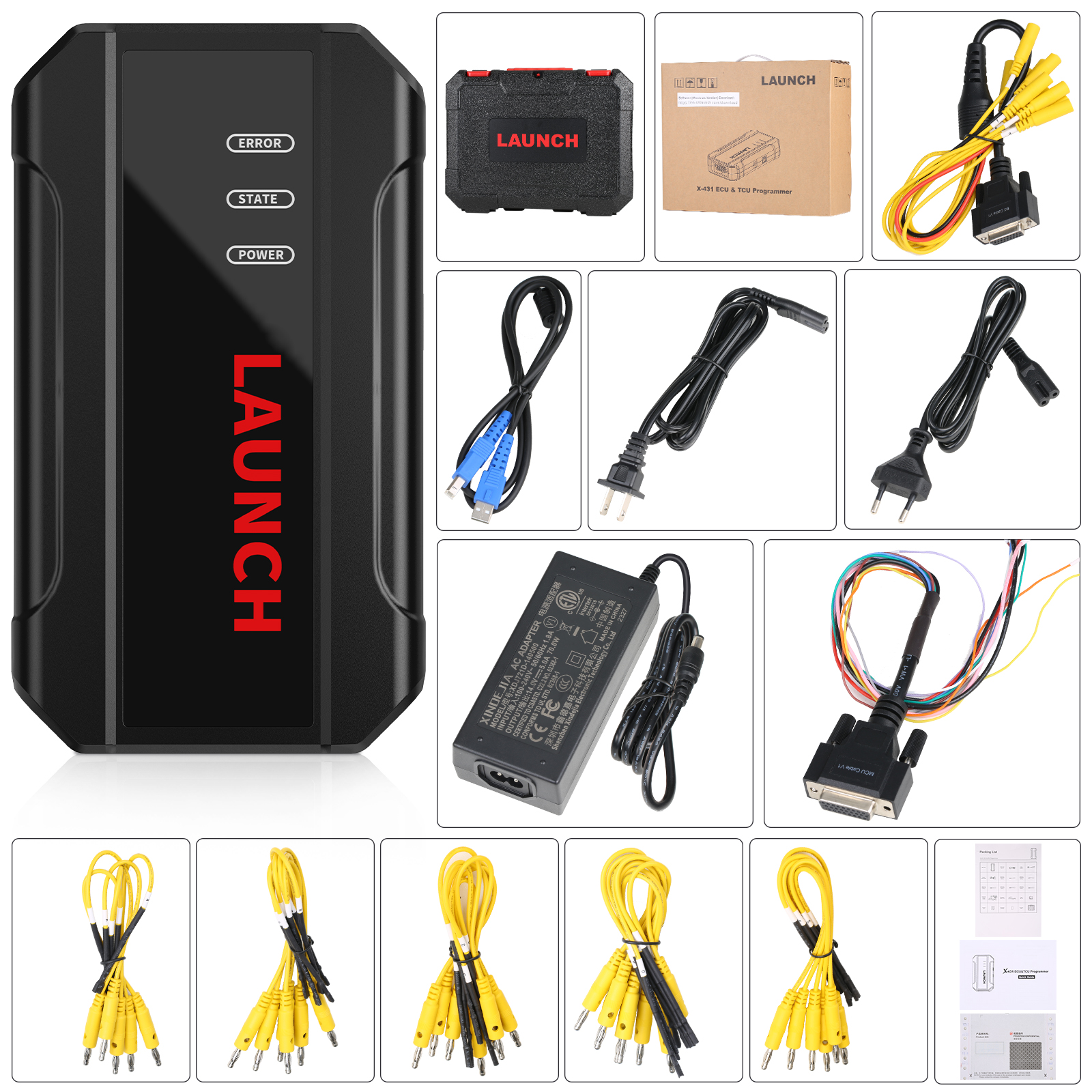
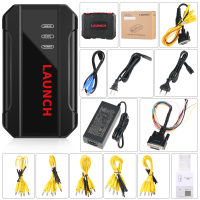
Package Includes:
1pc x the Host
1pc x Jumper
1pc x MCU Cable
1pc x EU Adapter
1pc x US Adapter
1pc x Power Supply Cable
1pc x USB Cable
No dude en contactarnos si tiene alguna pregunta: Correo electrónico: Sales@yobdii.com WhatsApp: +8617737073650  Condiciones de envío: Tiempo de envío: Política de devoluciones: Contáctenos: Atención: Proporcione su número de teléfono y dirección completa al realizar un pedido en nuestro sitio web. Esta información es muy importante para poder enviar su pedido. Los clientes de Brasil también deben proporcionar su identificación fiscal o aduanera. ¡Gracias! |