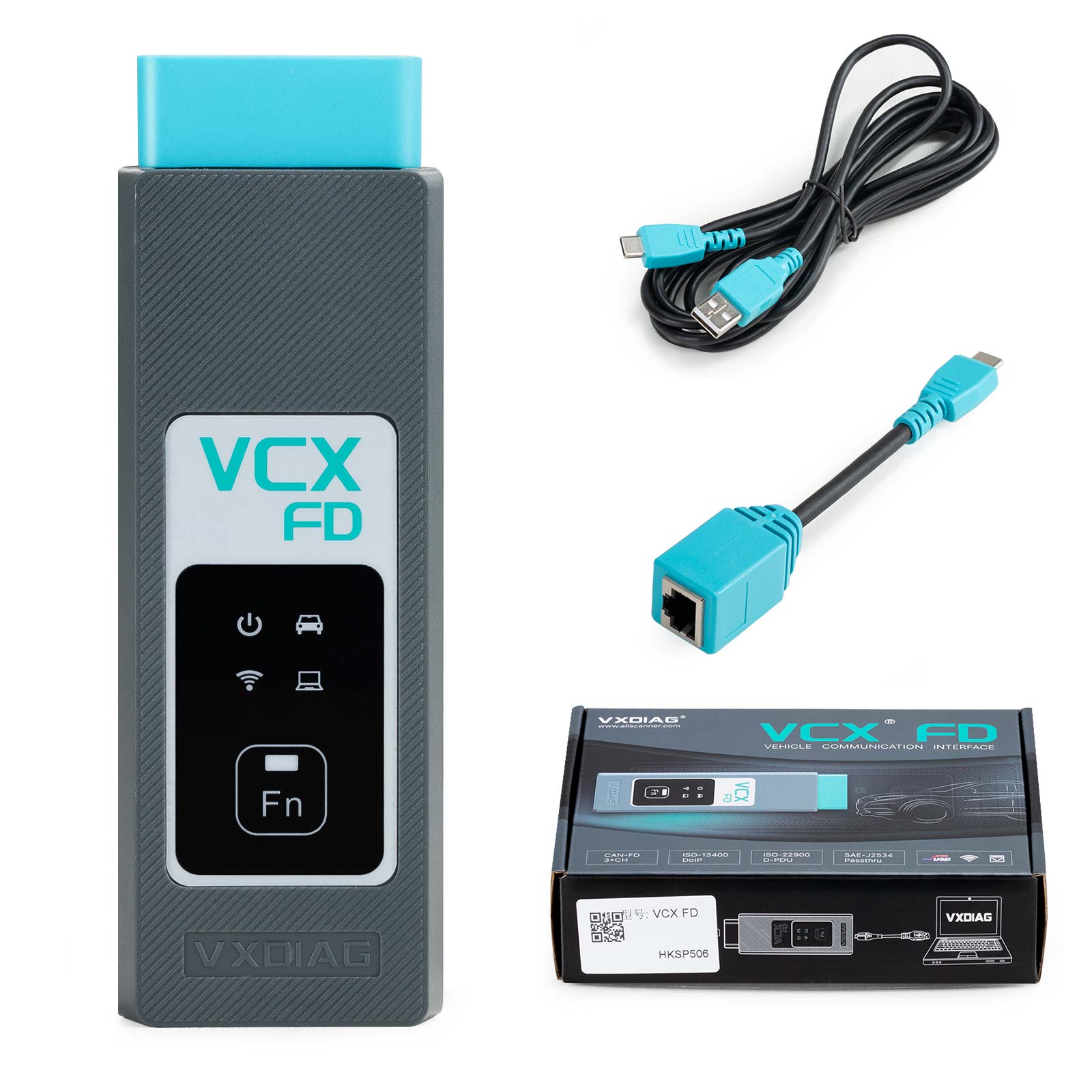
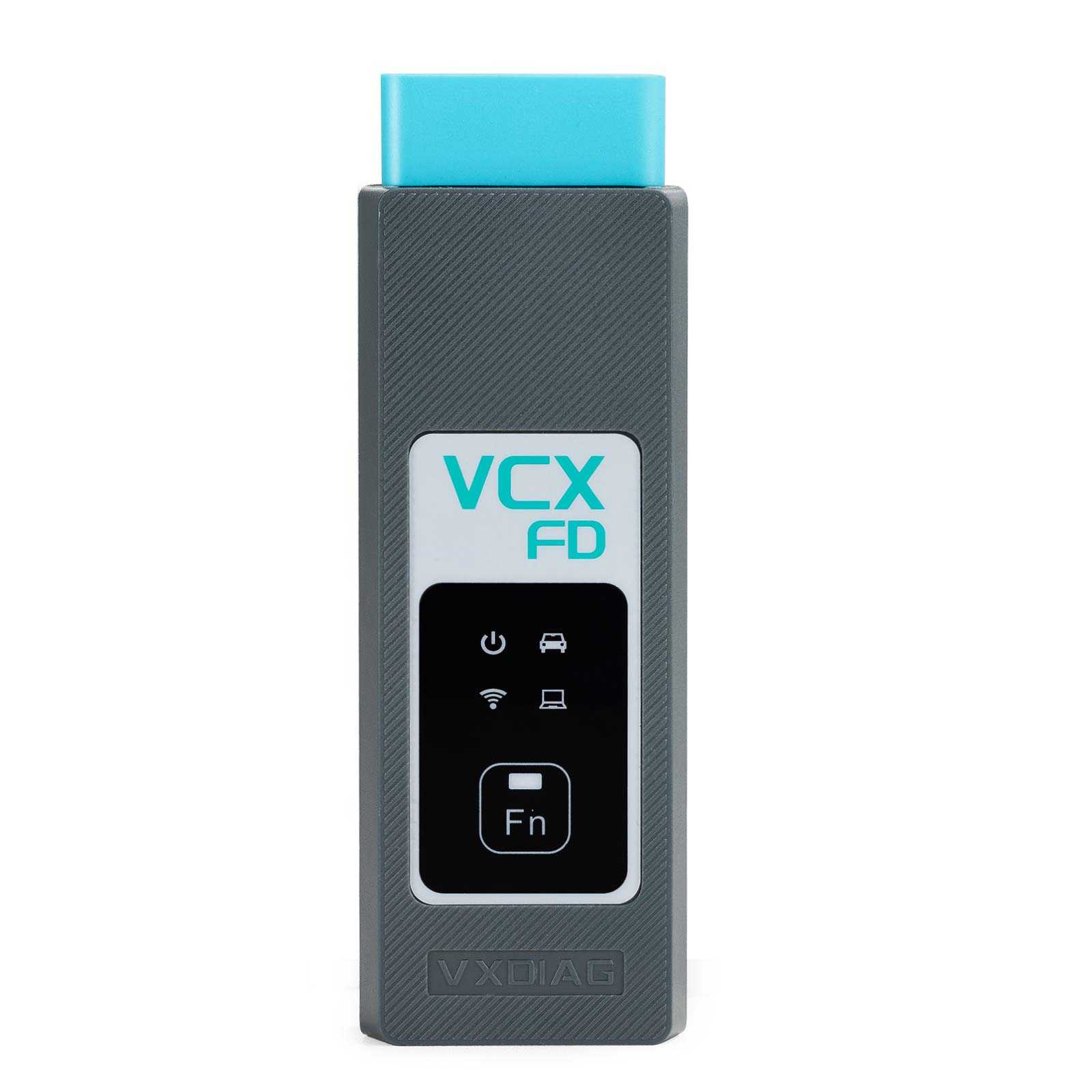
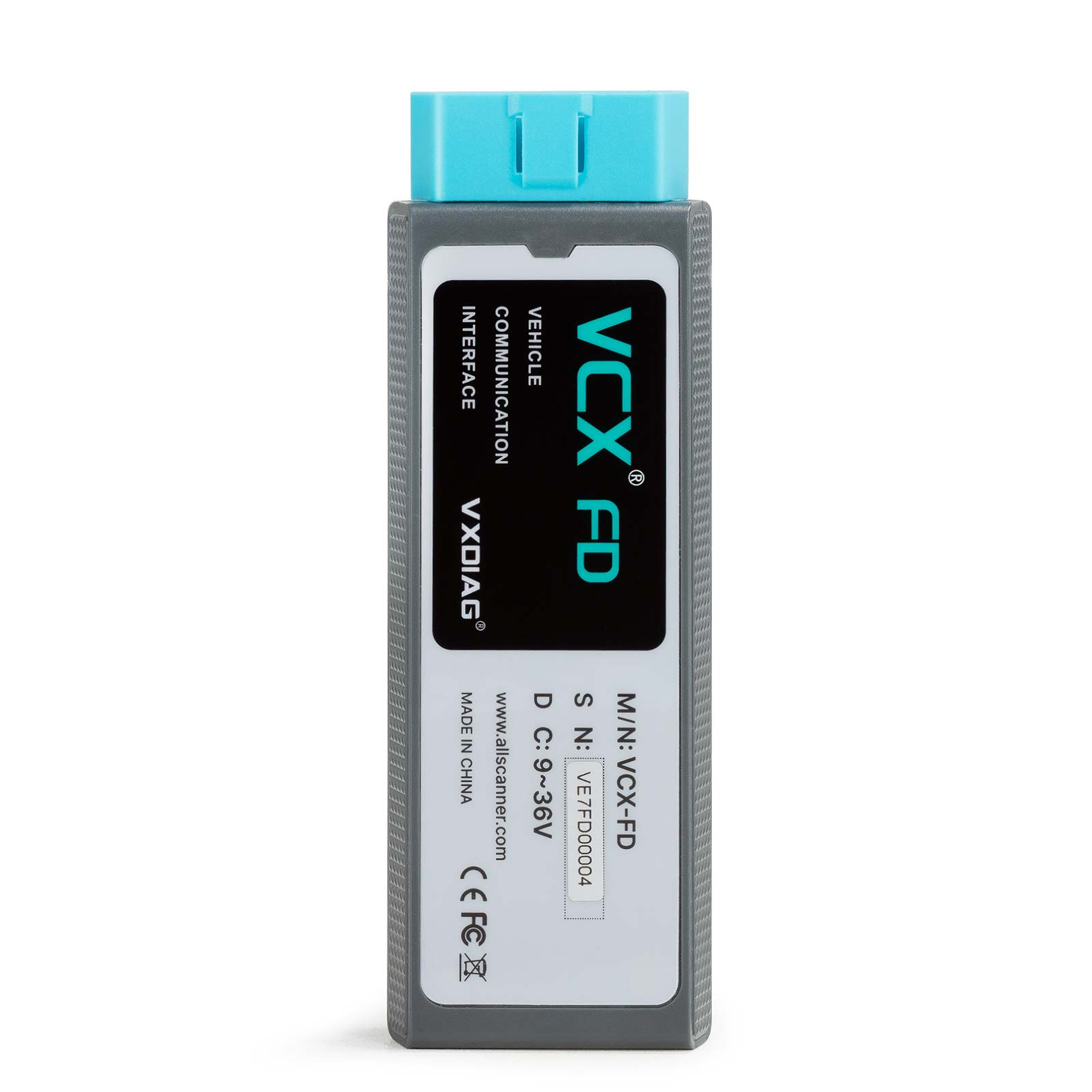
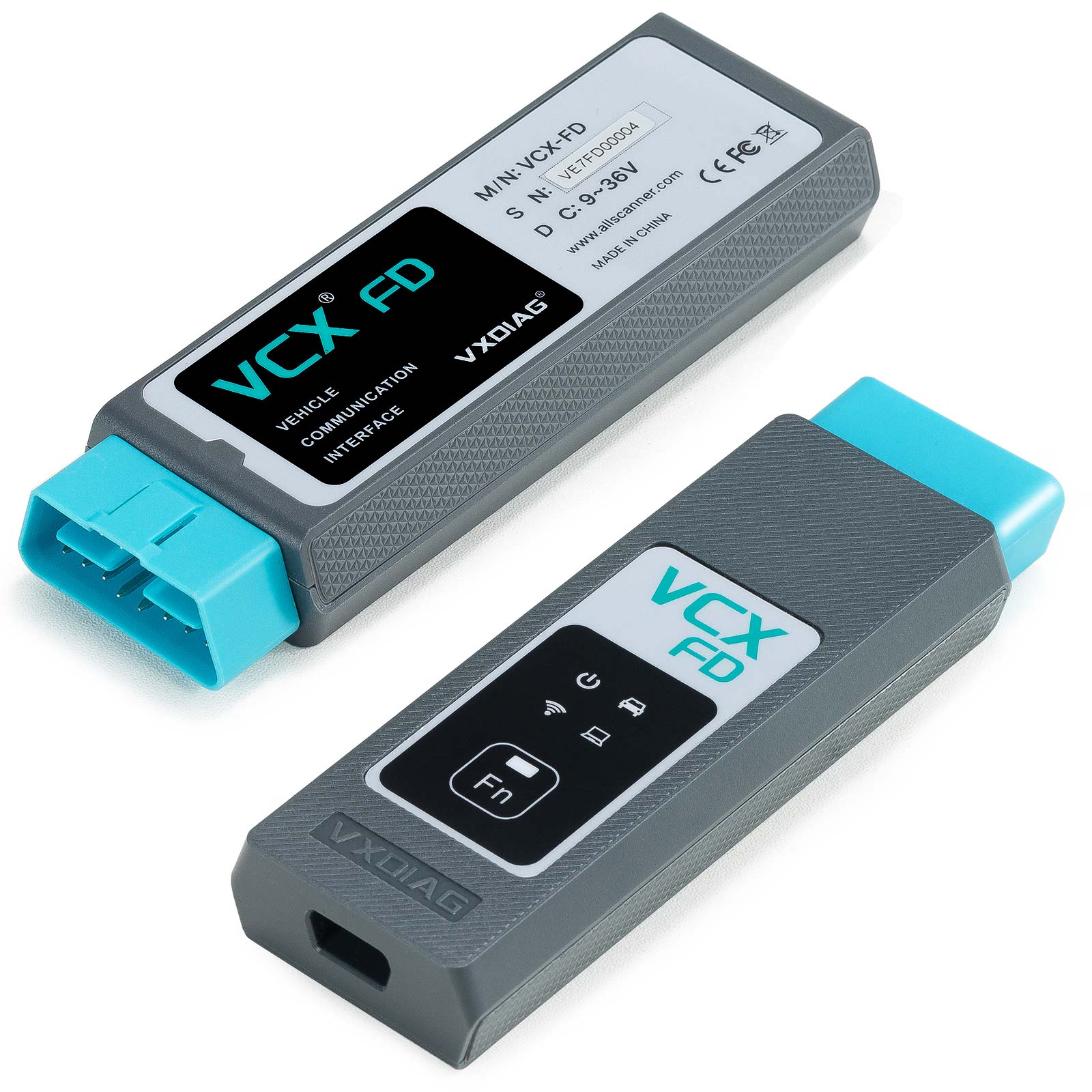
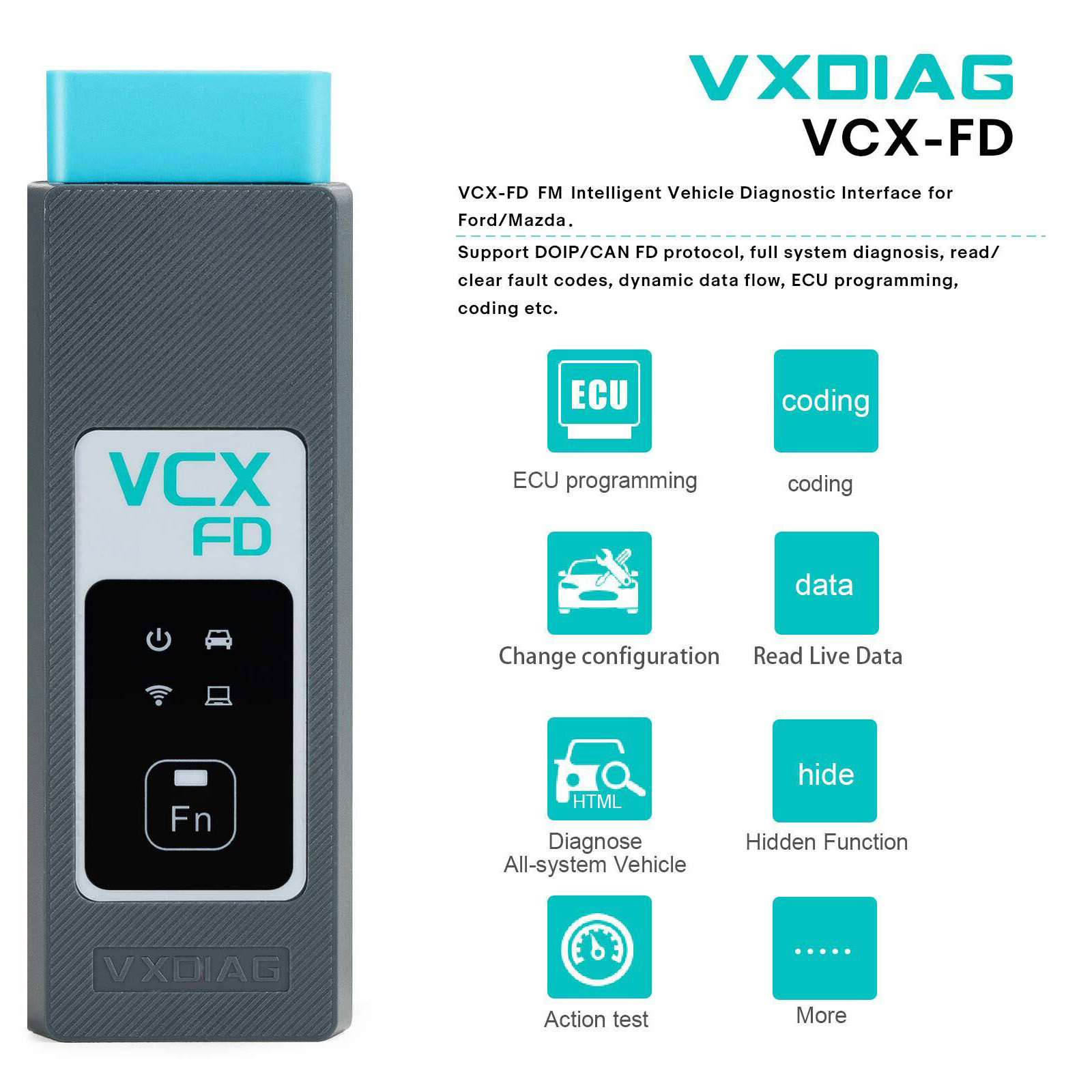
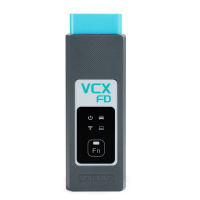
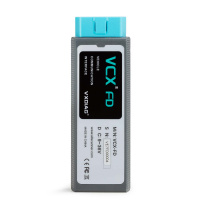
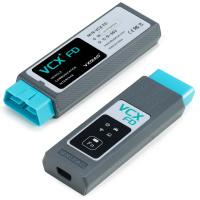
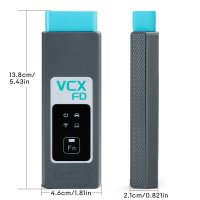
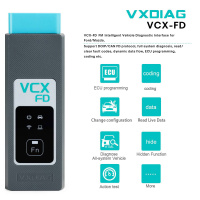
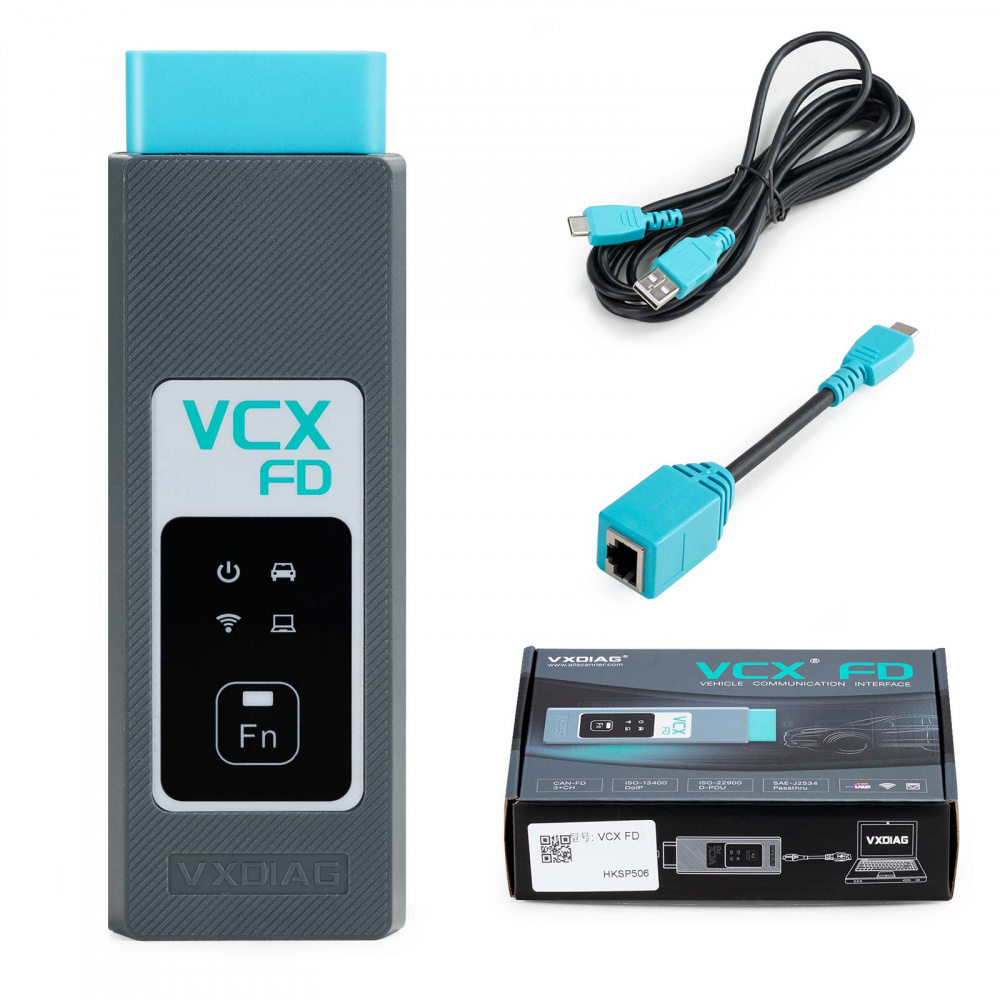
VXDIAG VCX FD OBD2 Diagnostic Tool for Ford Mazda Supports CAN FD Protocol
NOTE:
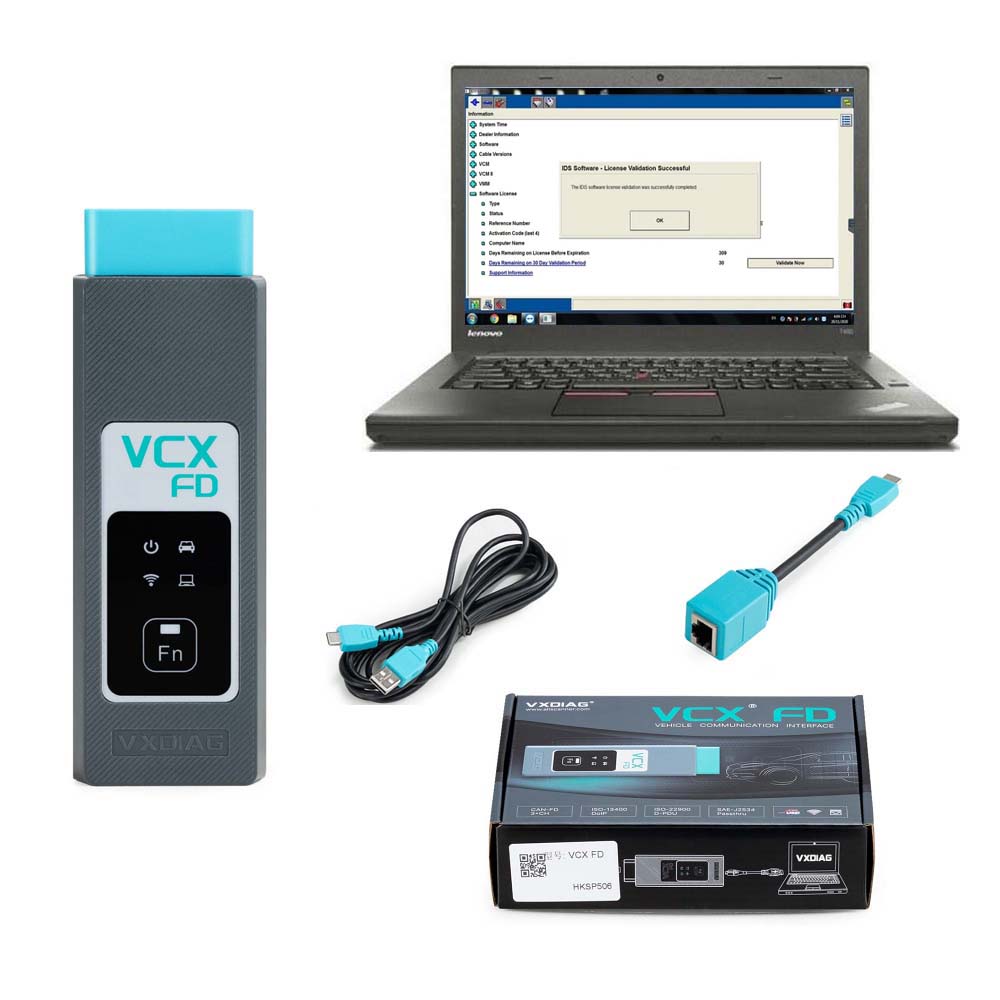
If you seleccted option 1 :
Need install software yourself
If you selected option 2 :
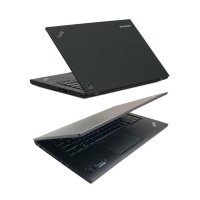
Software will be installed in Lenovo T450 Laptop ready to use
Highlights:
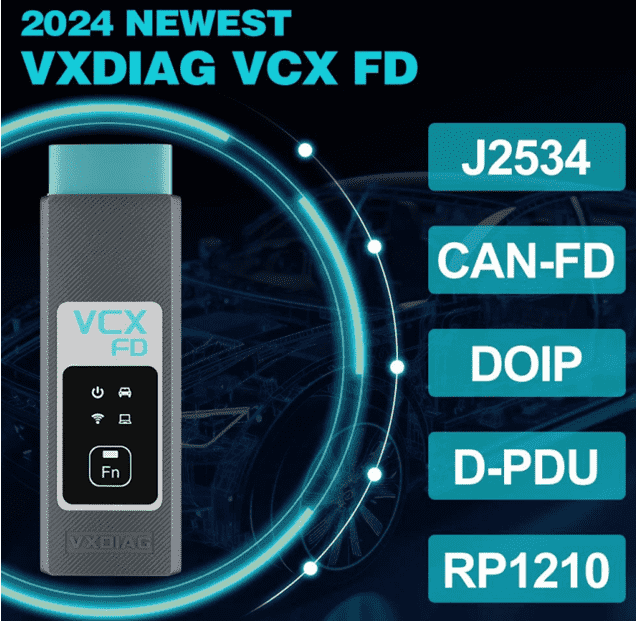
Supports CAN FD and DoIP protocol
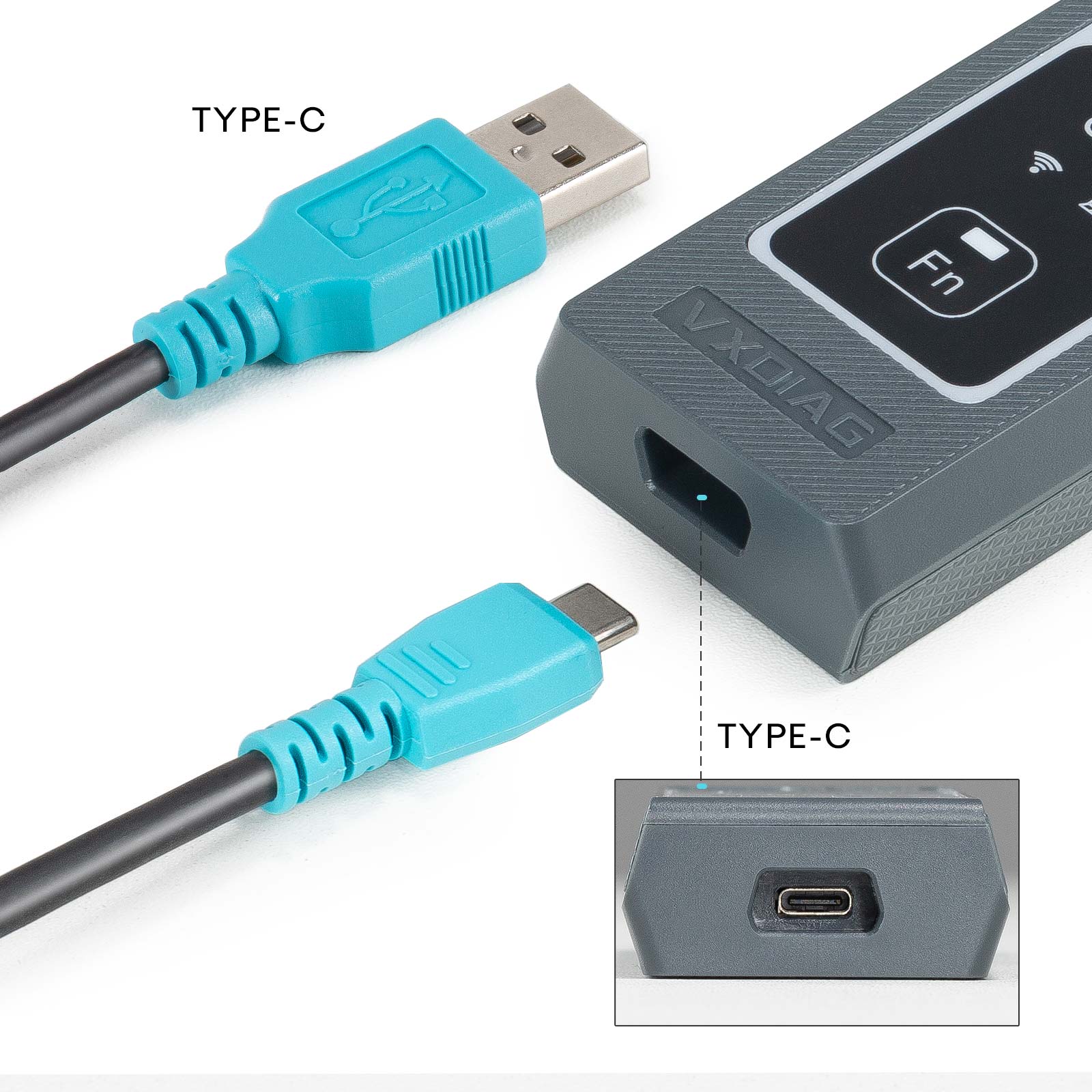
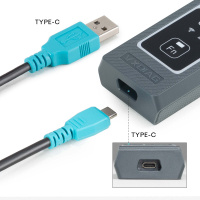
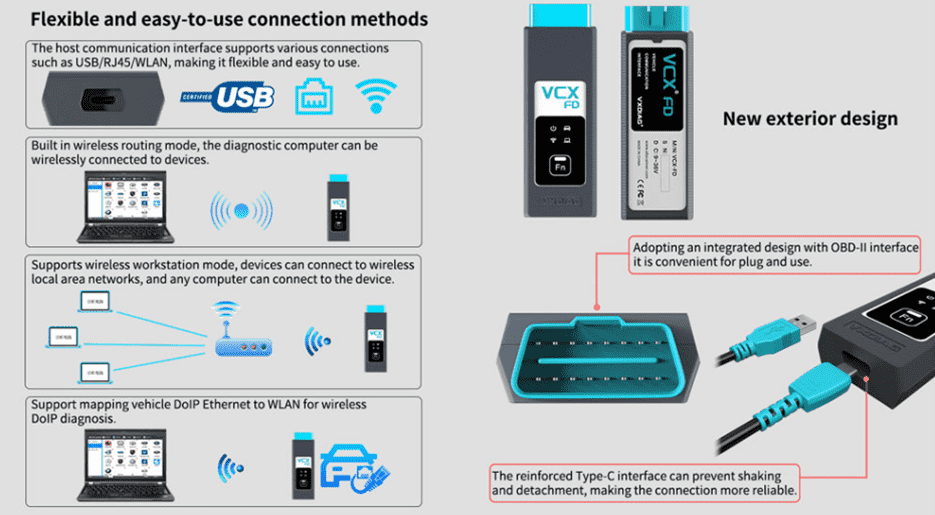
Supports USB Type C, WiFi and WLAN Connection
J2534 passthru for online programming
VXDIAG VCX FD for Ford/Mazda Features:
1. Ford IDS Version: V130, Mazda IDS Version: V131
2. Perfect replacement for Ford VCM2
3. Support multi-languages: English, German, French, Italian, Dutch, Spanish, Swedish, Finnish, Danish, Norwegian, Portuguese (European), Portuguese (Brazil)
4. Update Software link with unlocked firmware
5. Support both new and old vehicles from year 2005 to 2024, Ford F series after 2010.
6. Compatible with IDS, ForScan, FJDS, FDRS and MDARS. New Models after 2020 need to use FDRS or MDARS.
VXDIAG VCX FD Free Download IDS software:
FORD IDS V130
MAZDA IDS V131
Patch
 VXDIAG VCX FD Connection:
 VXDIAG VCX FD Installation Instructions:
Requirements on PCs:
OS: WINDOWS 10/11 PRO 64BITS
RAM: At least 8GB
Make sure there is no other Software installed on the computer, Ford IDS and Mazda IDS need to install on 2 separate clean windows systems.
VXDIAG VCX FD Ford IDS Installation:
1. Install Ford IDS-1**
2. Wait for the installation of Ford IDS – 1**, and restart the computer
3. Install the Ford original VCI software_ 1.0.0.10.exe
4. Install VX manager and IDS driver on VX manager "Diagnostic" Menu
5. Wait for VX manager and IDS driver installation to complete
6. Connect VCX device and install idspatch
7. Use idspatch to open IDs and start diagnosis.
VXDIAG VCX FD Mazda IDS Installation:
1. Install mazdaids-1**
2. Wait for mazdaids – 1** installation to complete and restart the computer
3. Install VX manager and IDS driver on VX manager "Diagnostic" Menu
4. Wait for VX manager and IDS driver installation to complete
5. Connect VCX device and install idspatch
6. Use idspatch to open IDs and start diagnosis.
VXDiag VCX Ford Scanner Function: (Programming & Special Service functions require original online account):
1. Programming & Installation of new ECUs (PCM, ABS, Instrument Cluster, Air Bag, Fuel Pumps, etc.)
2. Live Data-stream with Recording & Playback Functions for Main ECUs
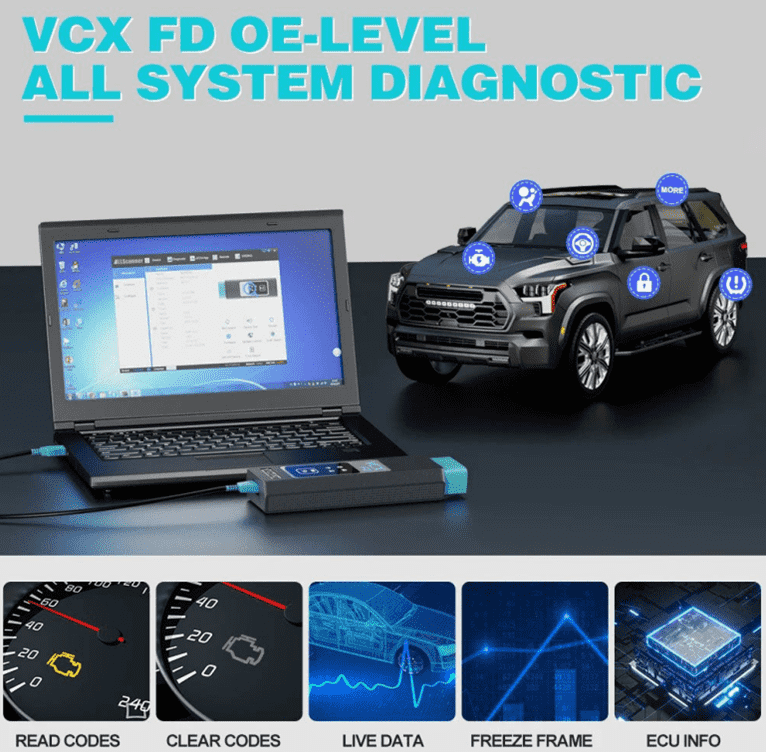
3. Read & Clear Diagnostic Trouble Codes (DTCs)
4. Set, Adjust or Remove Speed Governors
5. Automatic vehicle recognition
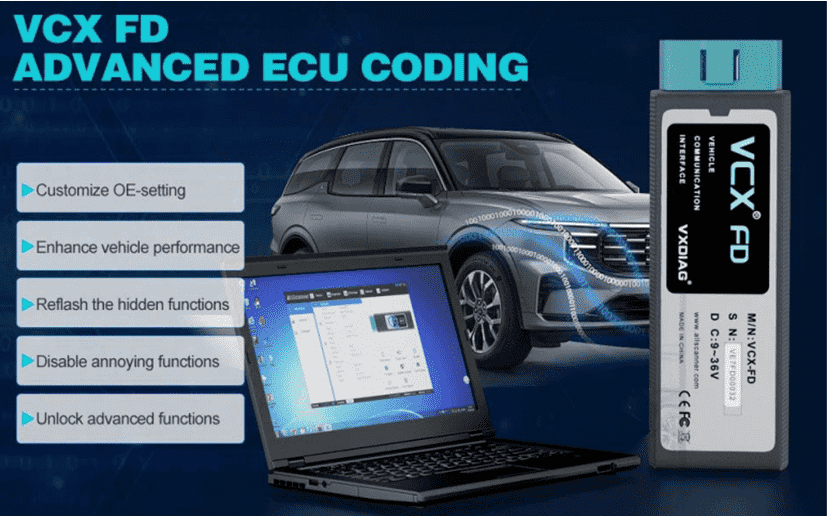
6. New Software Re-flash for Existing ECUs
7. All Other Dealer Functions
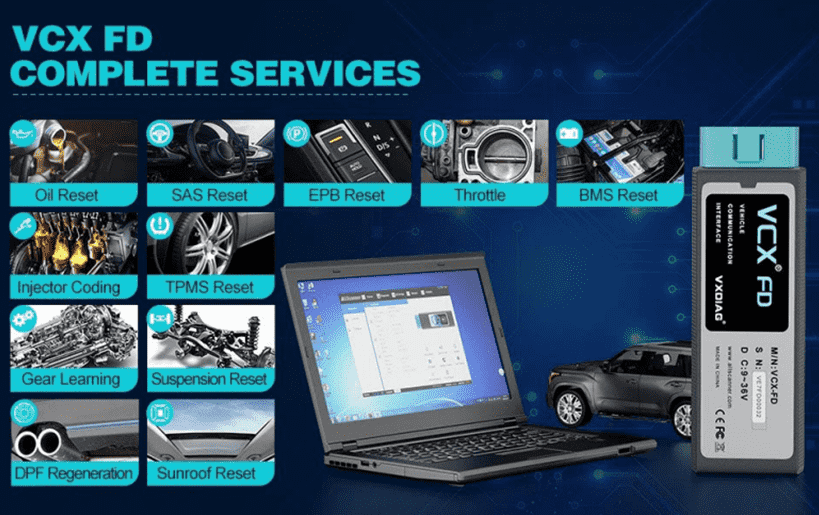
8. Steering Angle Resets
9. Guided Fault Finding
10. Program New Keys
11. DPF Regeneration
12. Brake Bleeding
13. Injector Coding
How to Set Up & Use VXDIAG VCX-FD?
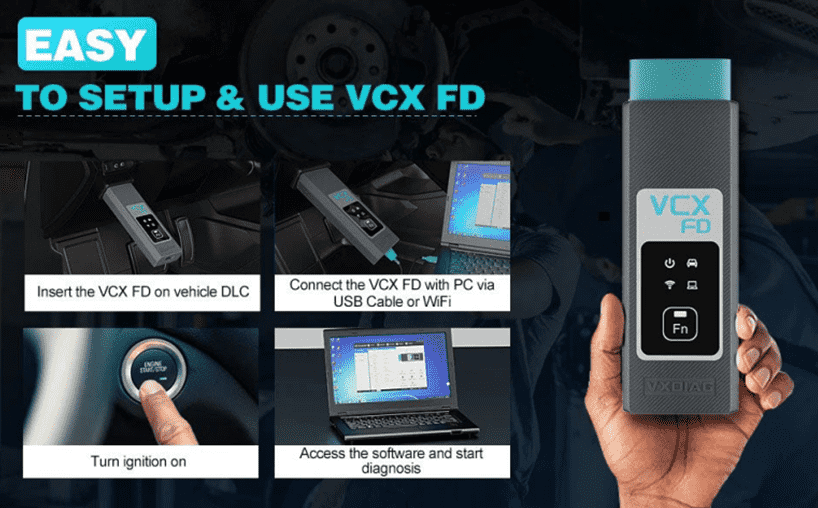 Let’s start the software installation on WINDOWS system:
1. First download and install software (we don't provide the link)
2. Install the latest VX MANAGER version via www.vxdiag.net
4. Start the VX Manager. Make sure you your computer network is good. Connect your device by USB cable/WiFi to computer and OBD2 Socket to your ECU Bench connector or Your car’s OBD2 Port.
Install Passthru driver. Check your device license.
5. Turn on the car ignition. You can start to diagnose the car.
Installation Tips: Please turn off anti-virus software before install.
VXDIAG VCX FD for Ford/Mazda Parameters:
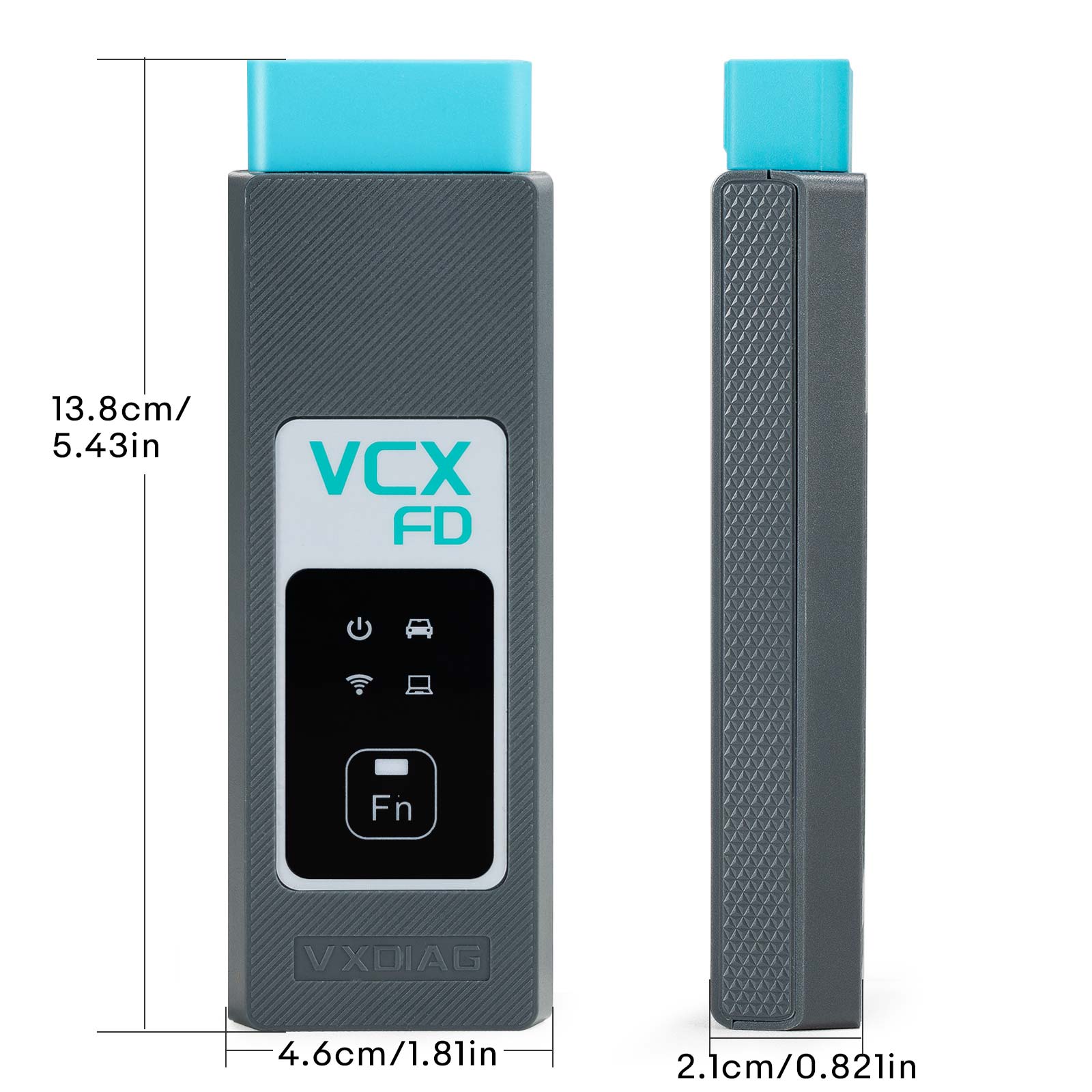
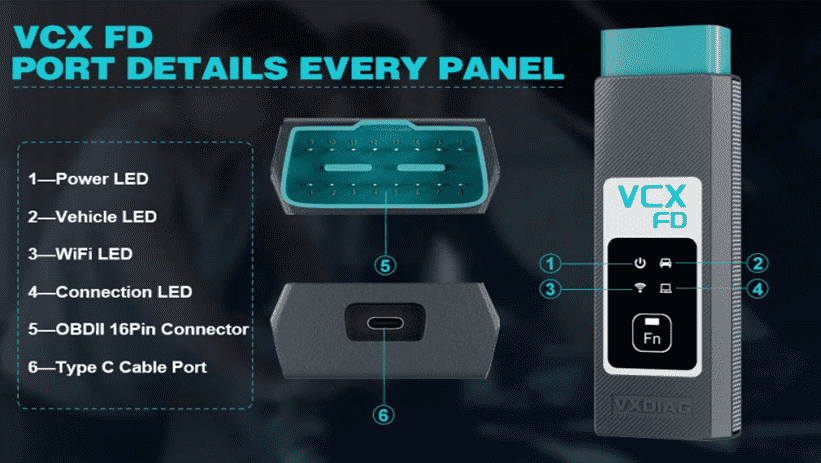 1-Power LED: Equipment Working Status: RED
Breathing flash when starting normally
Flash rapidly during hardware failure
2-Vehilcle LED: Vehicle communication Status:TWO-COLOR
Flash blue during traditional protocol
Flash green during DoIP protocol
3-WiFi LED: Wireless Network Status: BLUE
Flash quickly during wireless communication
Flash slowly during wireless distribution
4-Conection LED: Host Communication Status: TWO-COLOR
Flash BLUE during USB communication
Flash GREEN during LAN communication
Fn Button: Remote Diagnostic Status: GREEN
Flash slowly after remote connection
Flash quickly during remote diagnosis
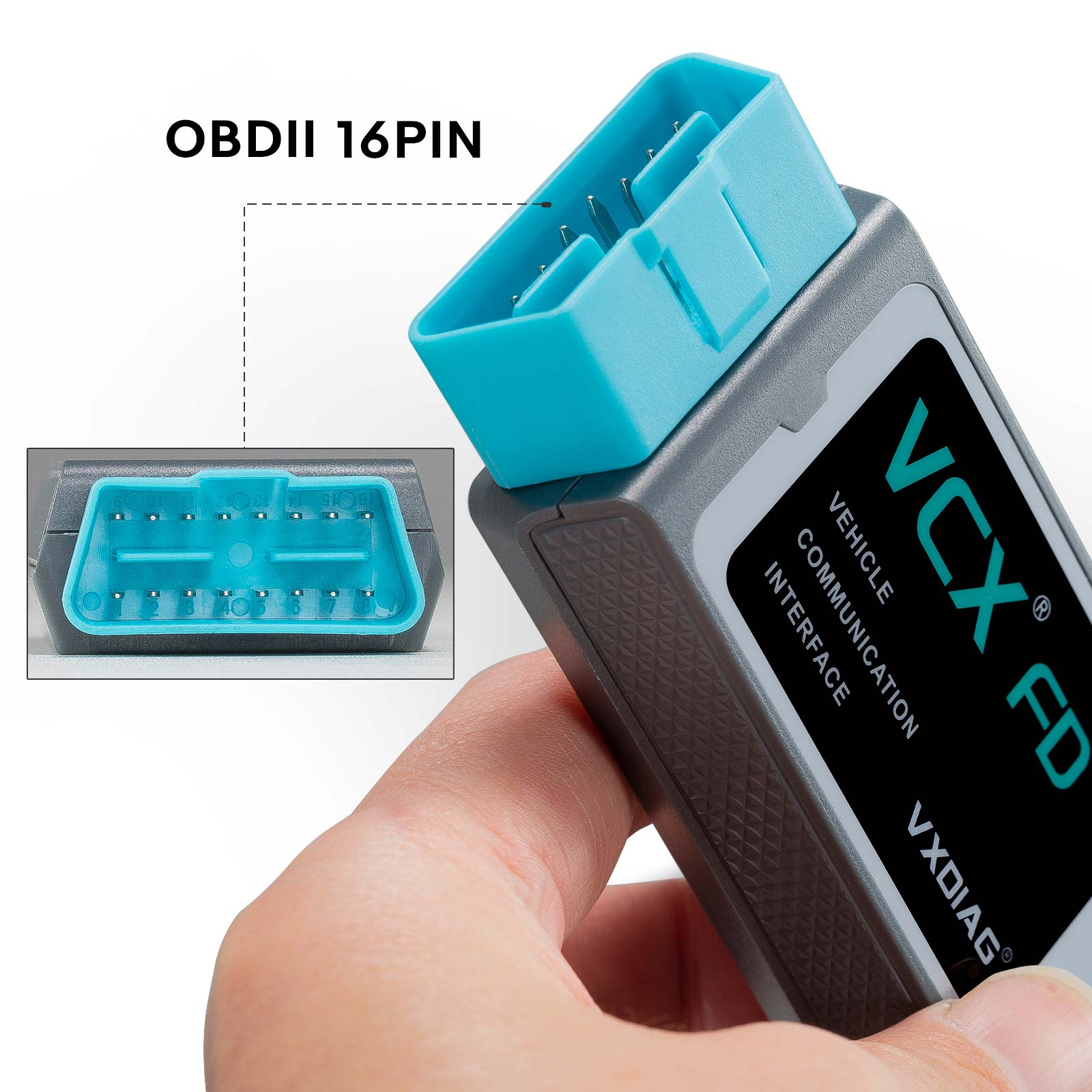
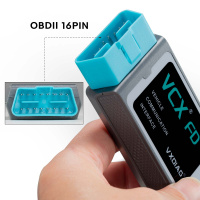
5-OBDII 16Pin Connector: Connect to vehicle's OBD2 port
6-Type C Cable Port: Connect to PC via cable
VXDIAG VCX FD for Ford/Mazda Packing list:
1pc x VCX-FD Interface
1pc x Type-C USB Cable
1pc x RJ45 Lan Converter
1pc x Paper Case
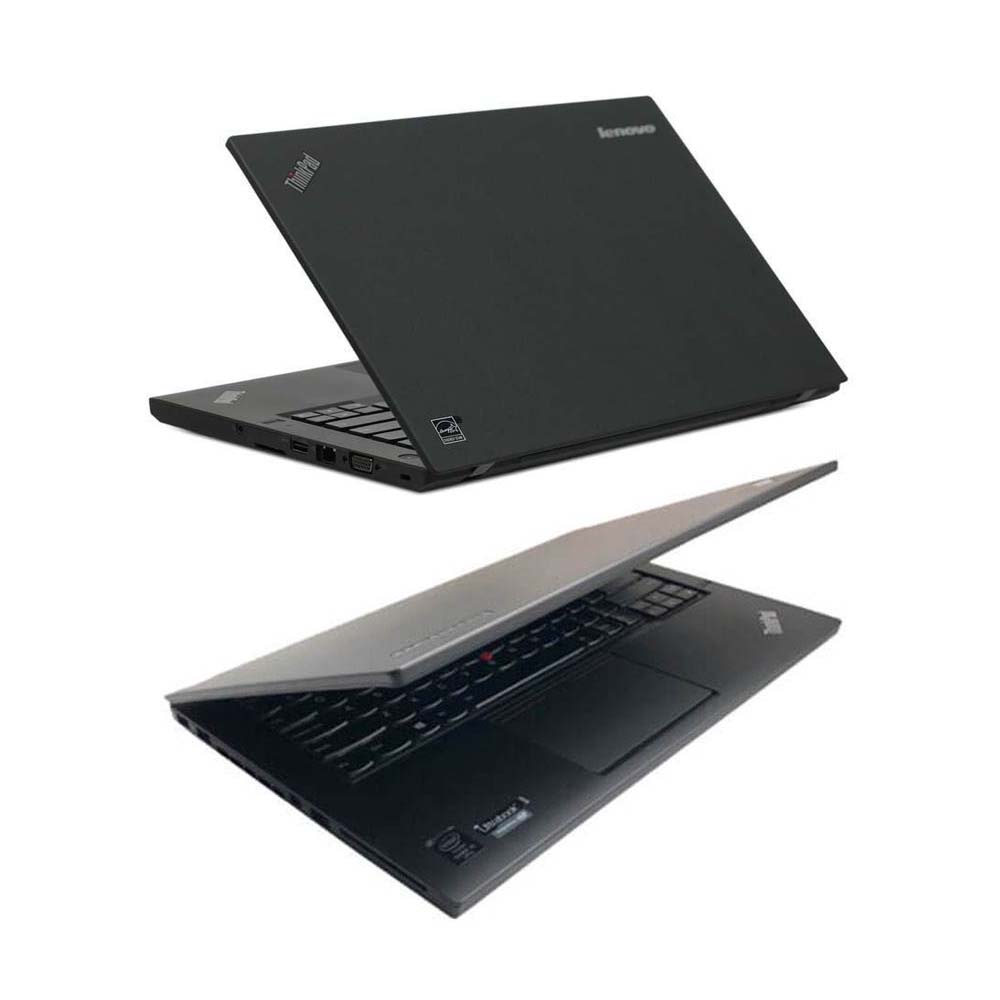
1pc x Lenovo T450 I5 8G Laptop (Option)
Second Hand Laptop Lenovo T450 Laptop with latest software:
Brand: Lenovo
Condition: Used
Type:Laptop/Notebook
Screen Size:14
Processor Type:Intel (R) Core(TM) I5-5200U CPU
Memory: 8GB