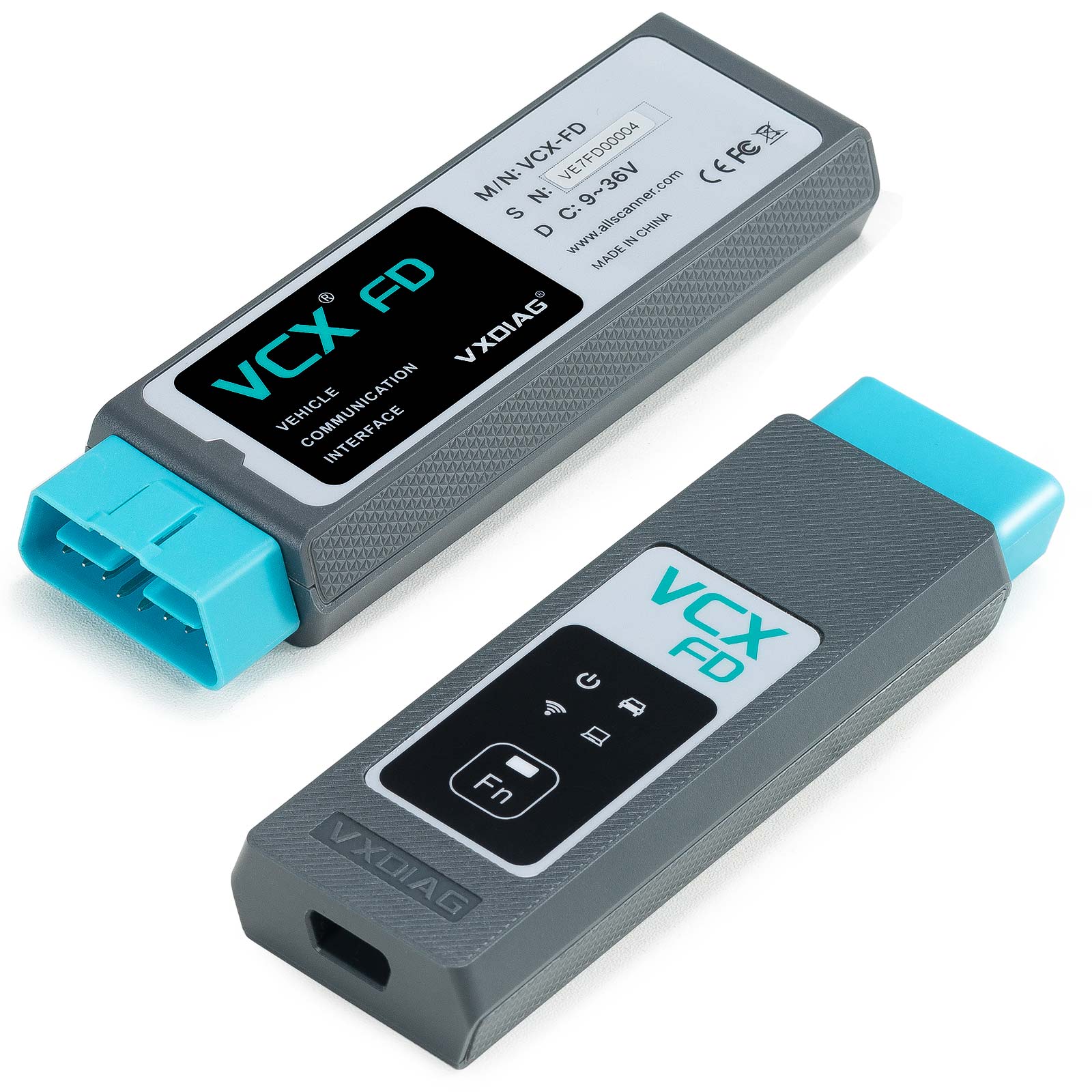
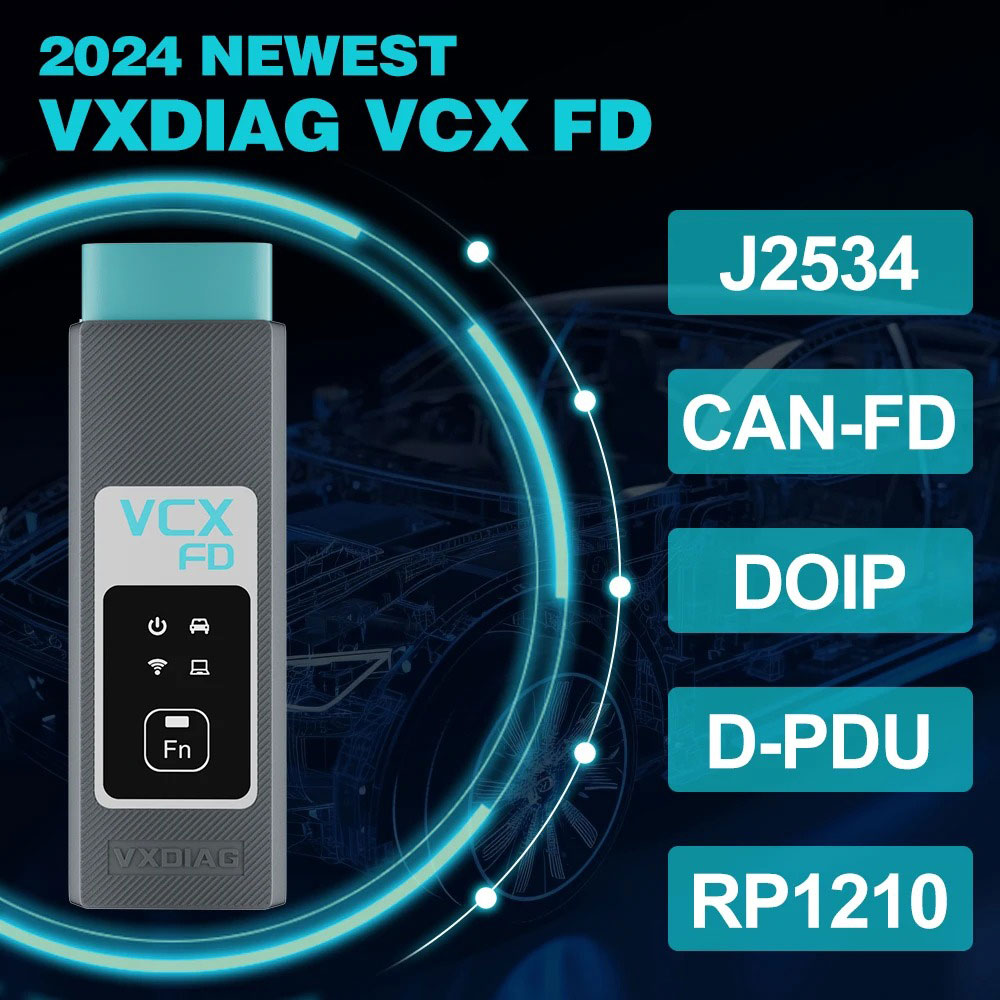
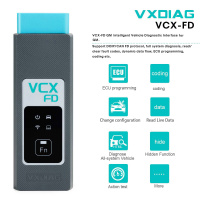
VXDIAG VCX FD OBD2 Diagnostic Tool for GM Support CAN FD Protocol
NOTE:
If you seleccted option 1 :
Need install software yourself
If you selected option 2 :
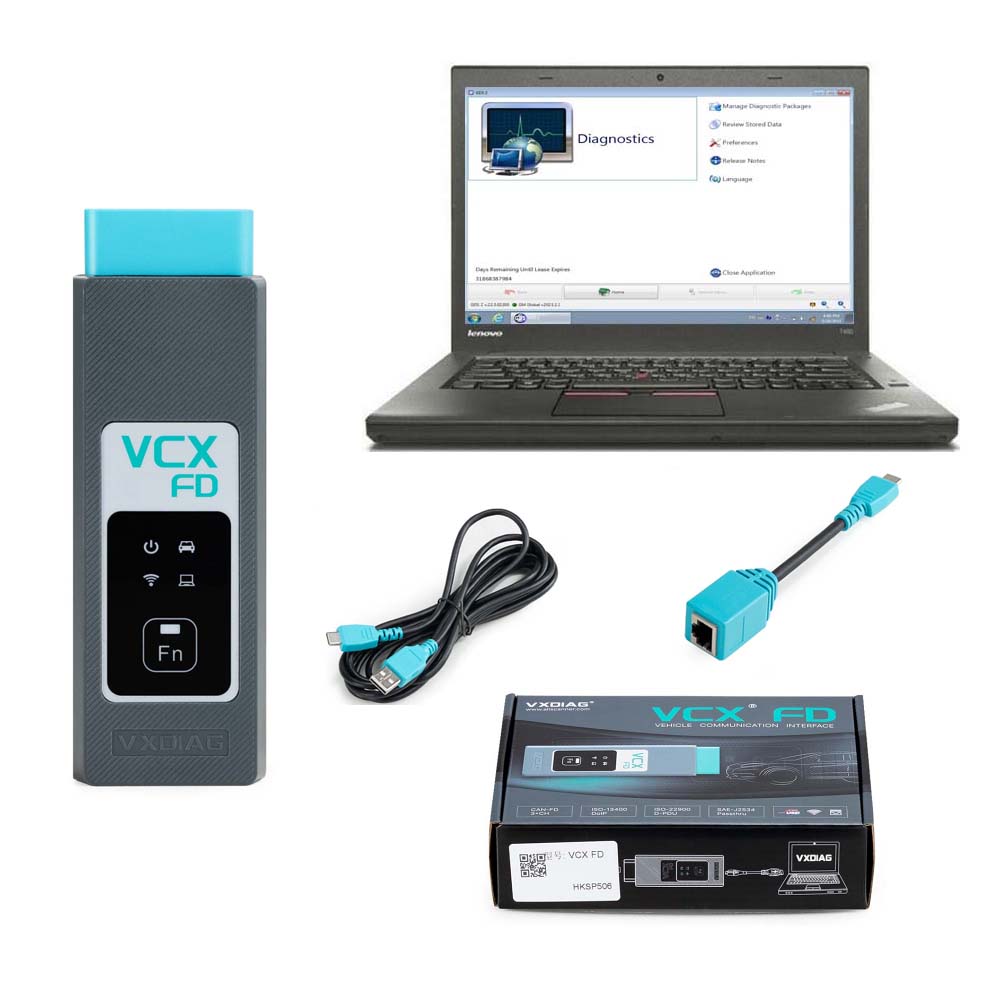
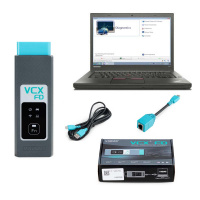
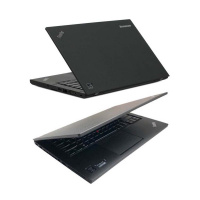
Software will be installed in Lenovo T450 Laptop ready to use
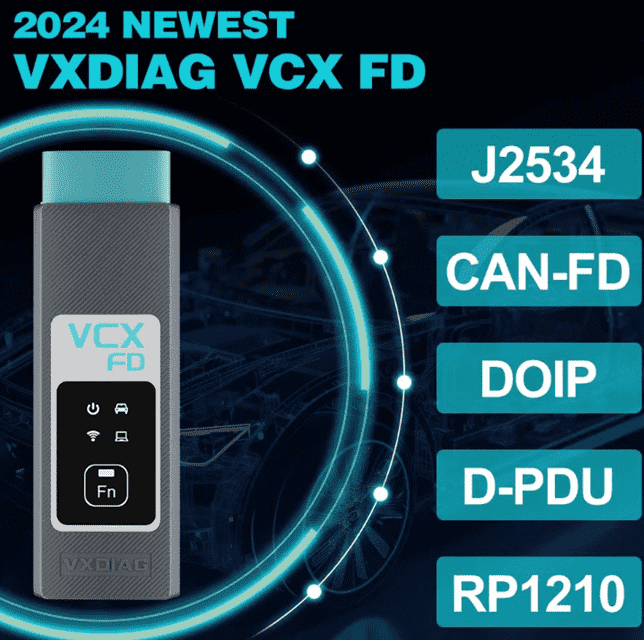
VXDIAG VCX CAN FD Diagnostic Tool with GDS2 / Tech2WIN / DPS /RDSS Softeware Support WIFI Support GM new CAN FD protocol
VXDIAG VCX FD GM Diagnostic Tool Highlights:
1. Replace GM Tech2, GM MDI, MDI2
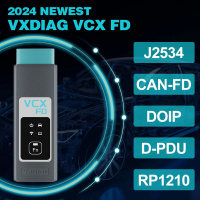
2. Supports CAN FD and DoIP protocol
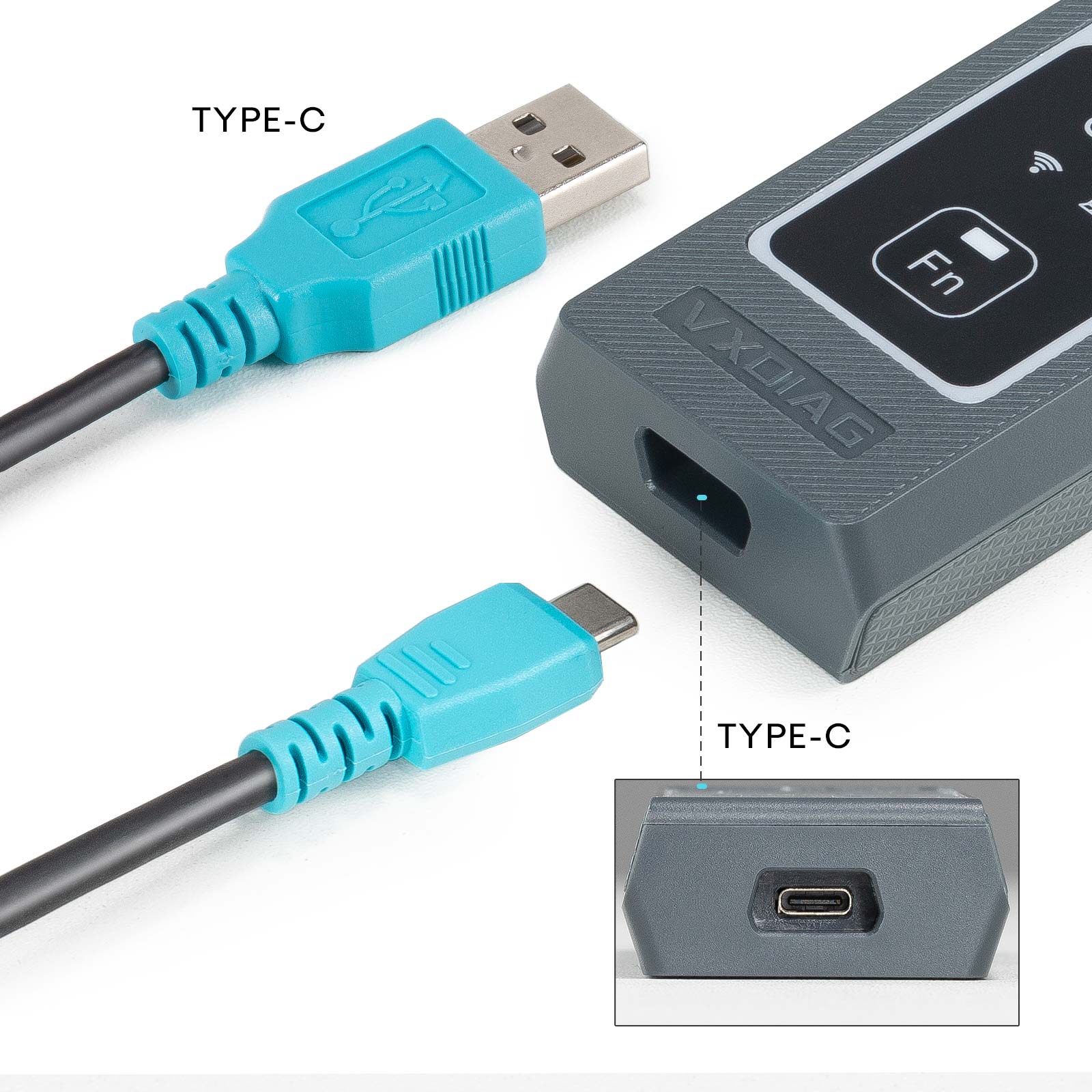
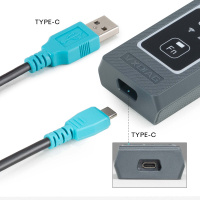
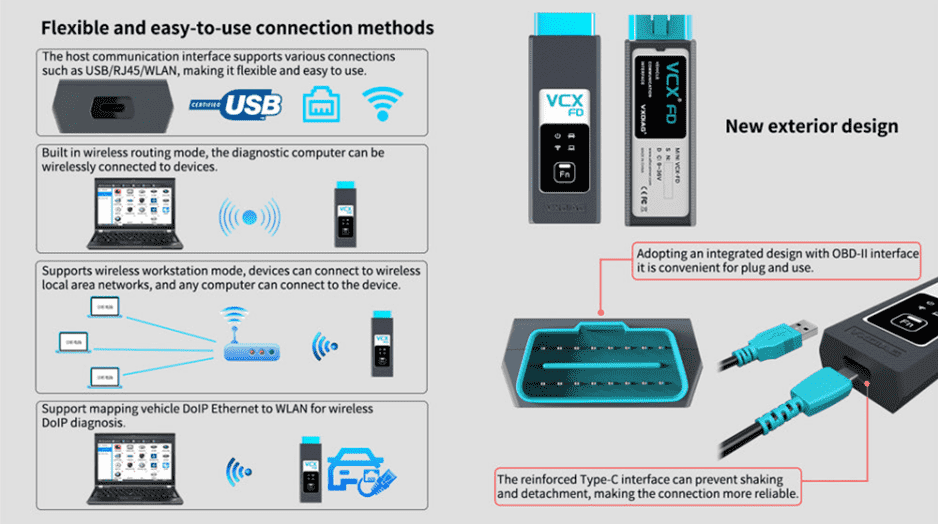
3. Supports USB Type C, WiFi and WLAN Connection
4. J2534 passthru for online programming
5. Supports GM vehicle from year 2000 to 2024
6. Supports GM online programming (requires Techline Connect SPS2 or Opel PSA Service Box online account)
Software:
GM GDS2 V2023.10.19
GM GDS2 Languages: English, Spanish, French, Italian, Portuguese, Netherlands, Russian, Arabic, Japanese, Chinese, Vietnamese
Tech2WIN 16.02.24
GM Tech2win language: English
DPS
RDS
Software Download:
GDS2 V2023.10.19 + Tech2win + DPS 4.52 (NEW)
GDS2 V2023.7
GDS Patch (contact us to send patch online)
Tech2Win 16.02.24
VX Manager 1.8.9 driver
VXDIAG GM GDS2 and Tech2Win Installation (2023 Quick Version)
 VXDIAG VCX CAN FD for GM Connection:
 How to Install VXDIAG GM GDS2 and Tech2win?
1. Install Tech2win using the AutoInstall.exe file
2. Install GDS2 using the AutoInstall.exe file
3. Install VX Manager (install passthru and GDS2/T2W drivers)
4. Run software (run GDS2 from patch, run Tech2win on desktop)
* If you are running Windows 10 you MUST disable driver signing enforcement. For detail installation instruction, check PDF above.
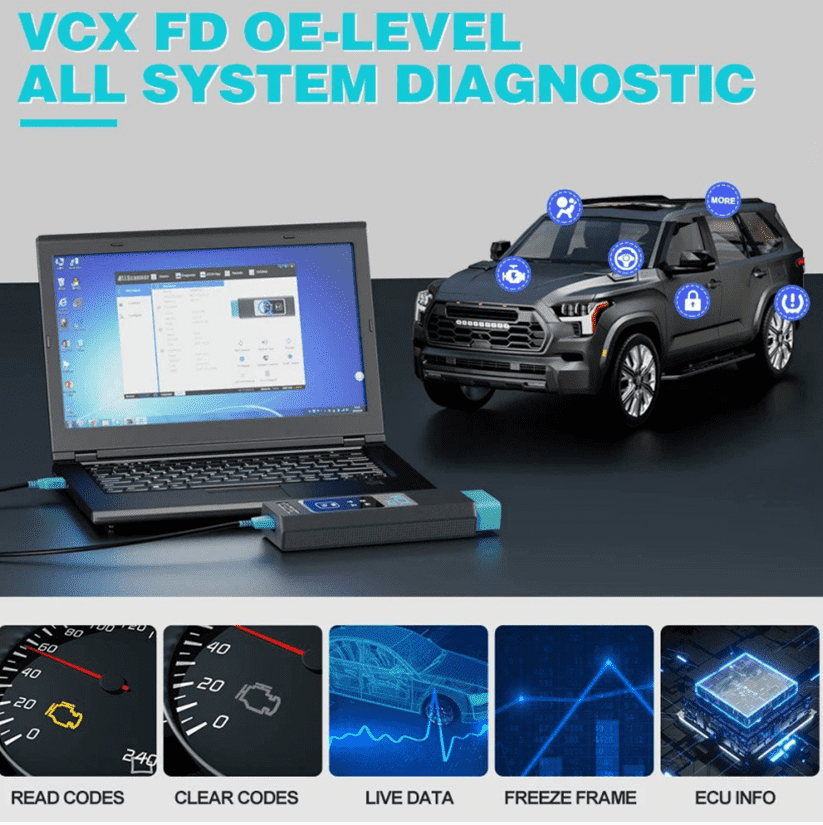
GDS 2 provides the following capabilities in multiple languages:
* Read codes, code status, Freeze Frame data and Clear Codes.
* Read VIN, ECU part numbers and software numbers.
* Record, store and replay Stored data.
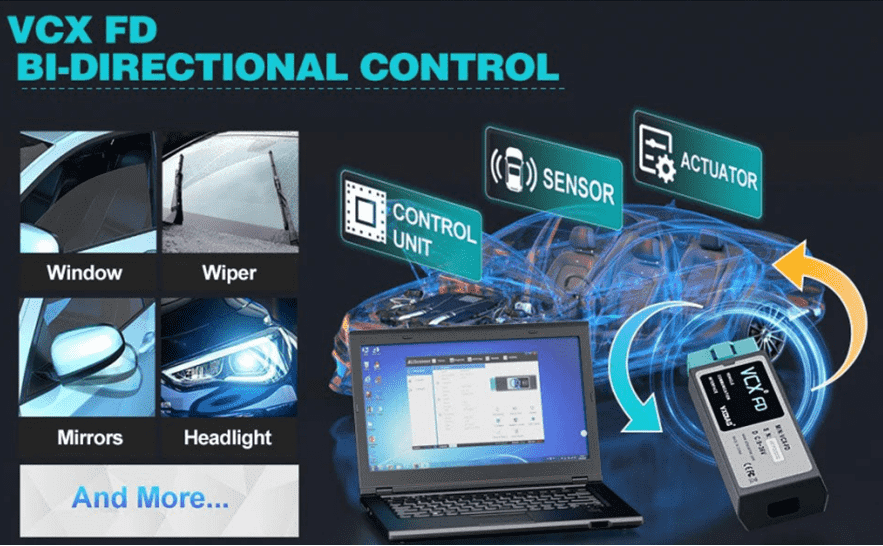
* Control and monitor Output Control functions.
* Configure and Reset functions.
* Record or display history of the previous vehicle diagnostic sessions.
GM GDS2 Languages: English, Spanish, French, Italian, Portuguese, Netherlands, Russian, Arabic, Japanese, Chinese, Vietnamese
VXDIAG VCX CAN FD for GM Functions:
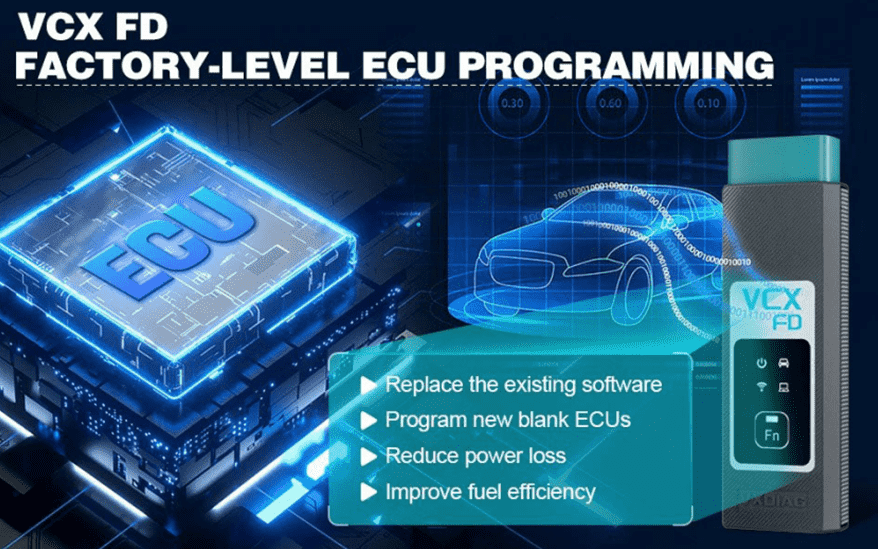
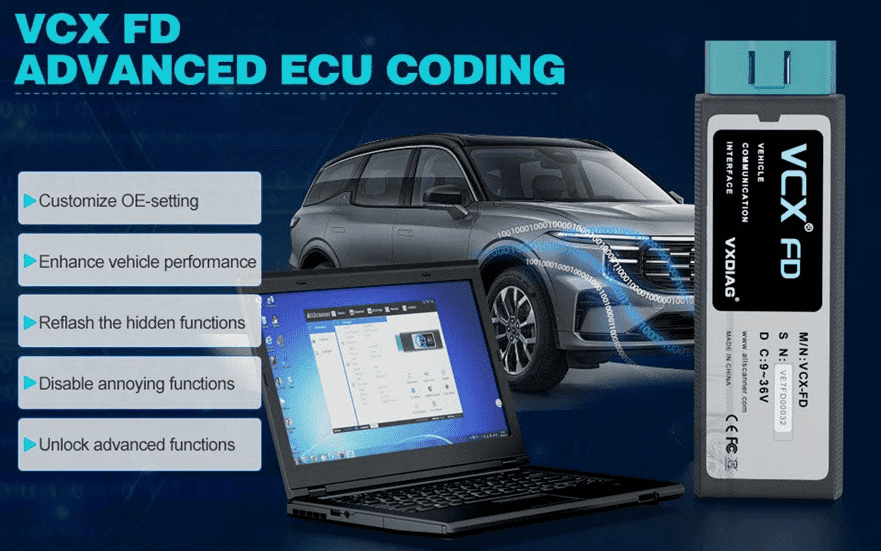
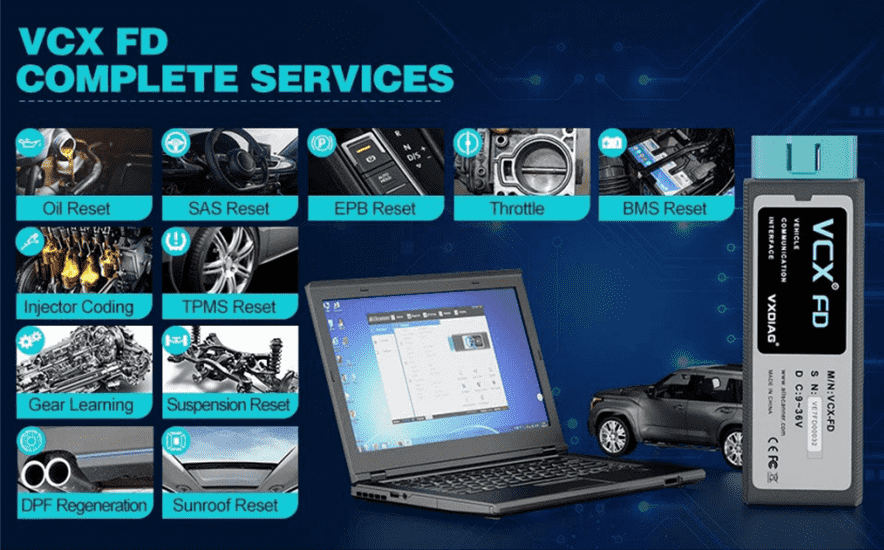
Tech2Win Function
Tech2Win, an application version of the Tech 2 and CANdi (Control Area Network diagnostic interface) moduleTech2Win can be used during a vehicle road test, offering a larger screen with all of the Tech 2 tool functionality. The Tech2Win application offers all of the features and functions of the Tech 2 for Opel etc. Tech2win need to install on win 7 32 bits.
DPS Function:
GM Development programming system, aka DPS, is an in-house software general motors technicians use to develop software for GM motor vehicle electronic modules. DPS functions similarly to the GM SPS client. By itself, DPS can only perform the basic functions of reading the ECU ID information. You must acquire the corresponding calibration files and custom DPS scripts to complete any DPS programming.
How to Set Up & Use VXDIAG VCX-FD?
Let’s start the software installation on WINDOWS system:
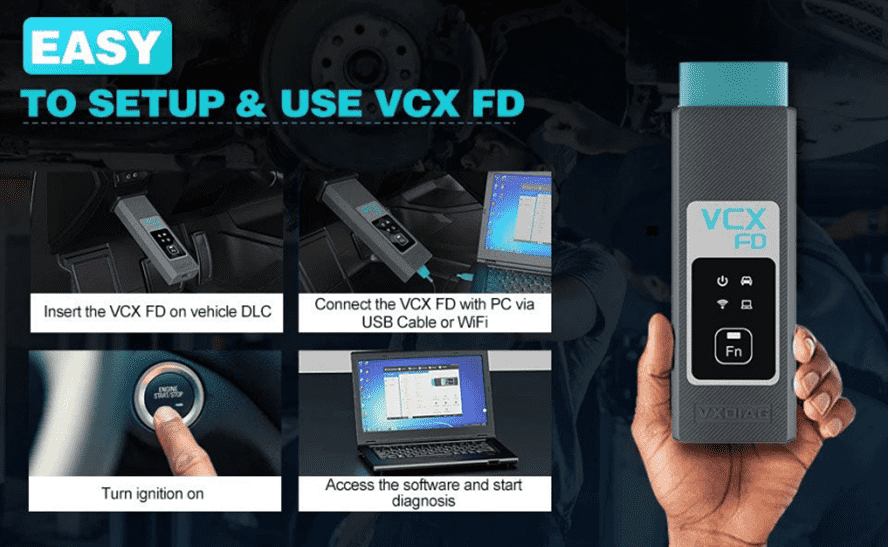
1. First download and install software (we don't provide the link)
2. Install the latest VX MANAGER version via www.vxdiag.net
3. Start the VX Manager. Make sure you your computer network is good. Connect your device by USB cable/WiFi to computer and OBD2 Socket to your ECU Bench connector or Your car’s OBD2 Port.
4. Install Passthru driver. Check your device license.
5. Turn on the car ignition. You can start to diagnose the car.
Installation Tips: Please turn off anti-virus software before install.
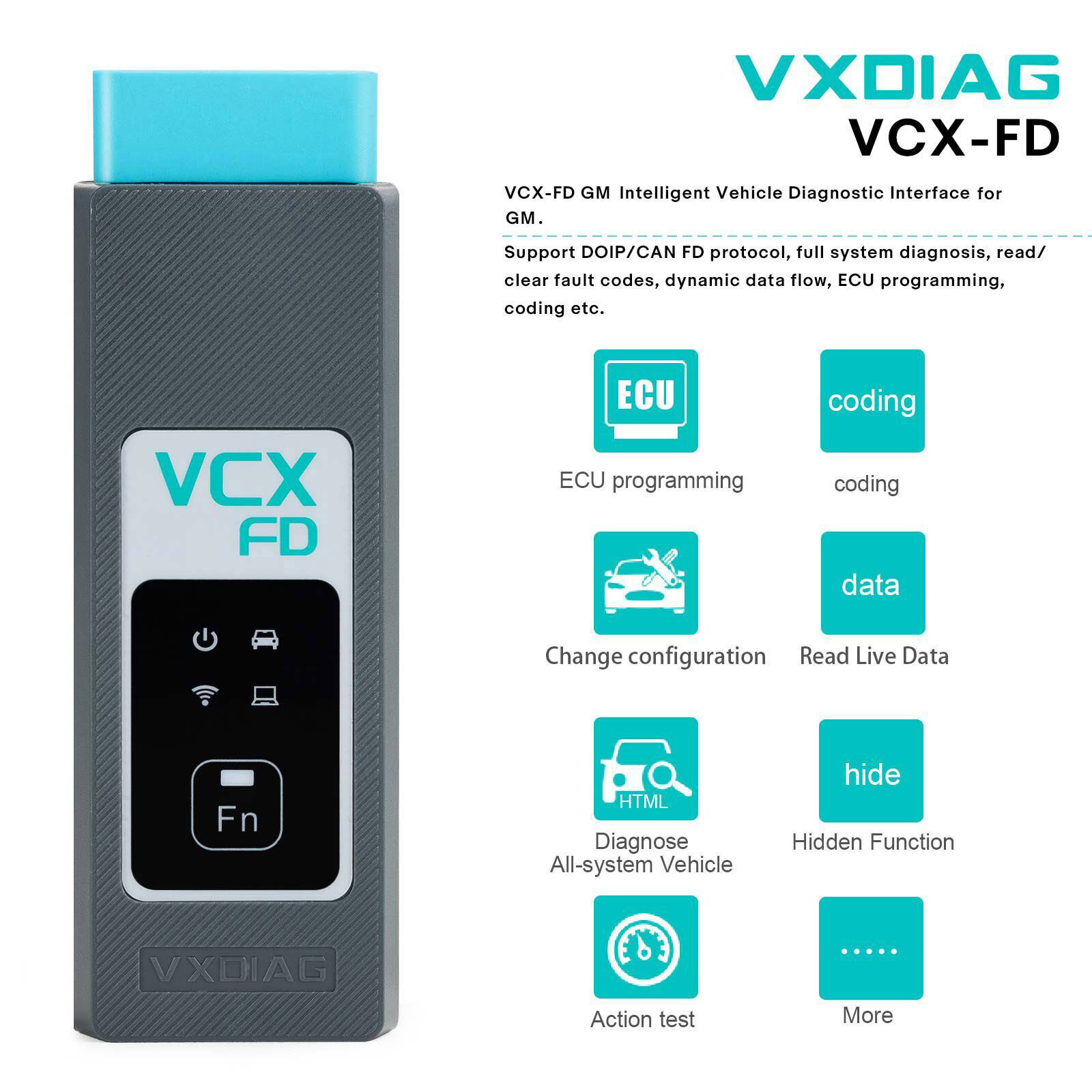
VXDIAG VCX FD Parameters:
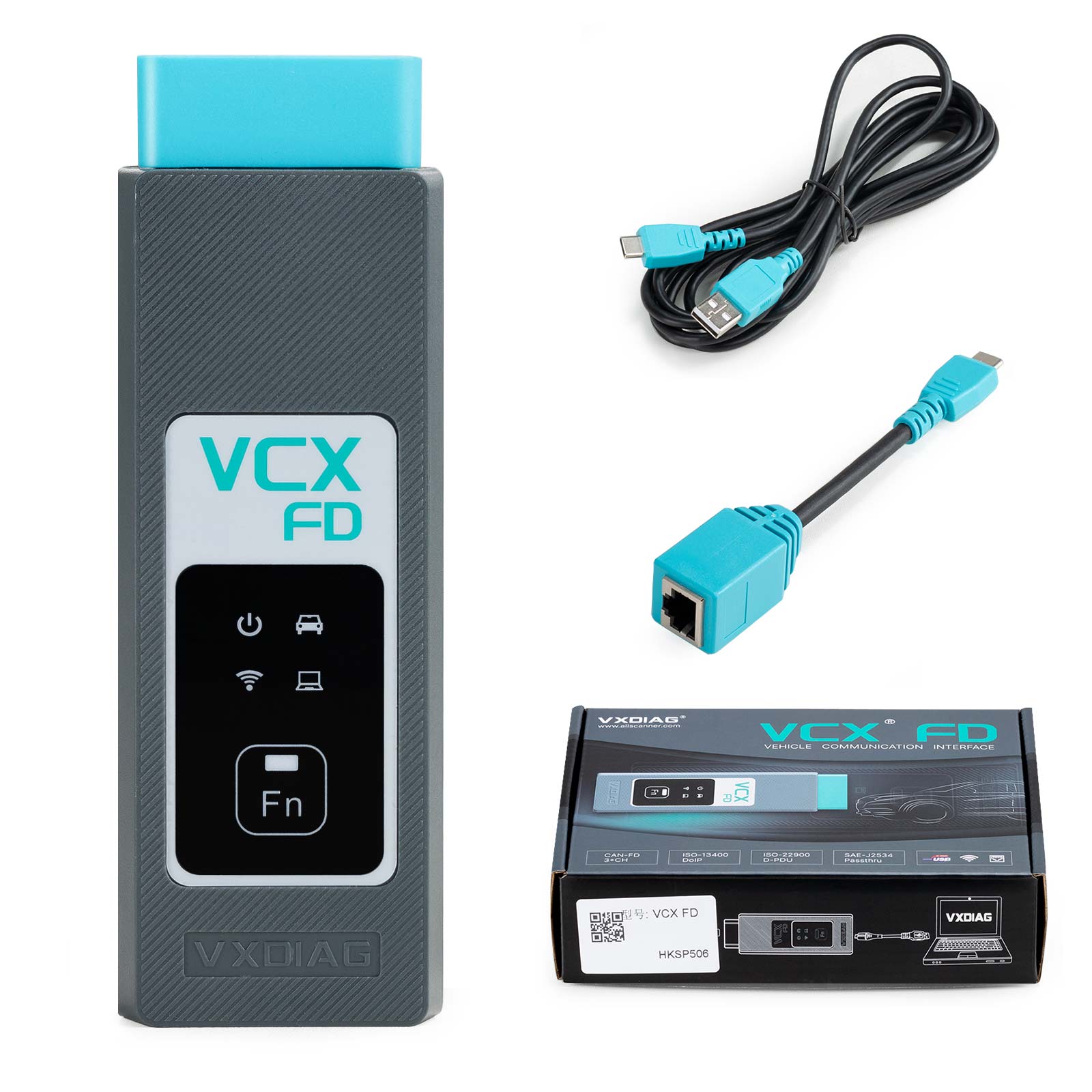
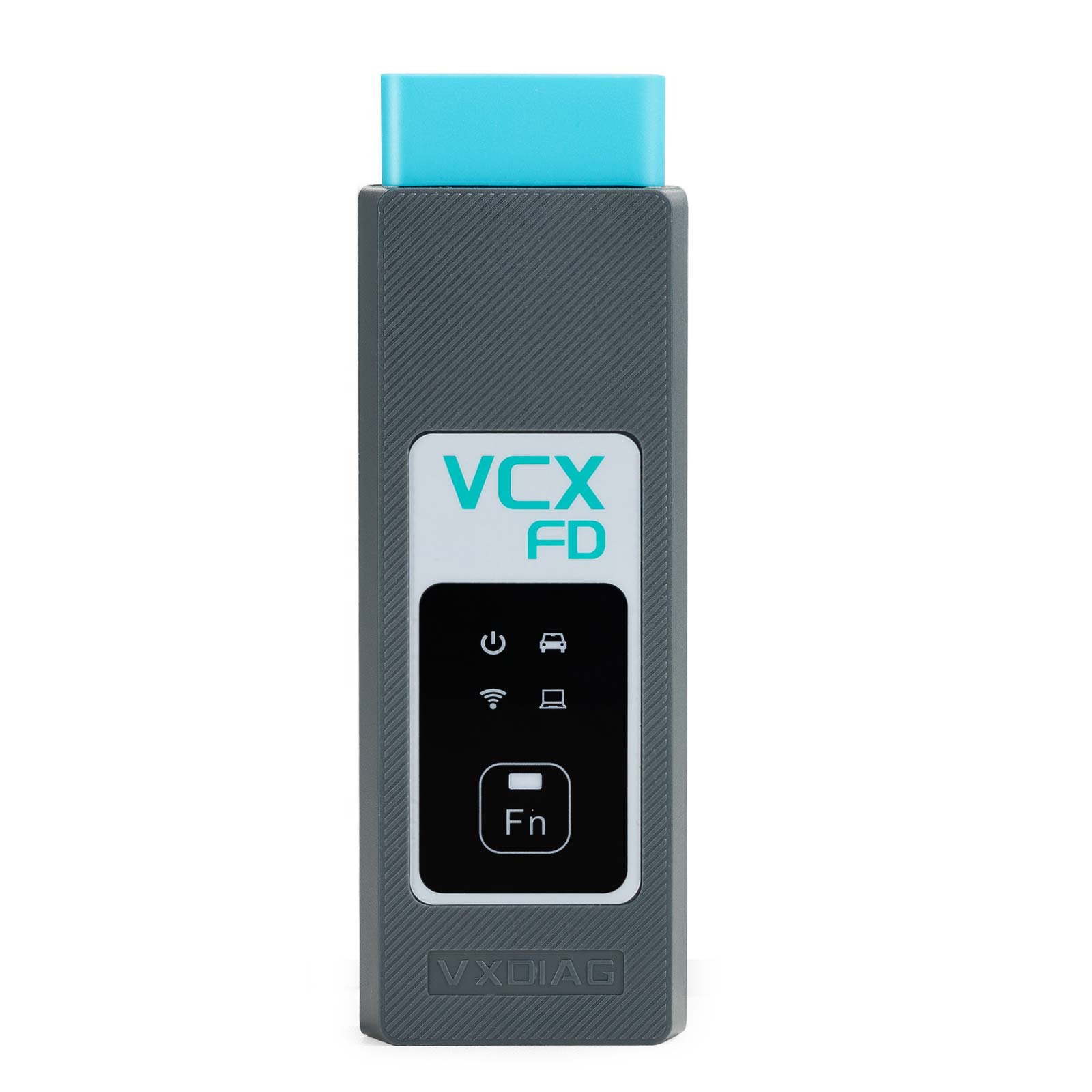
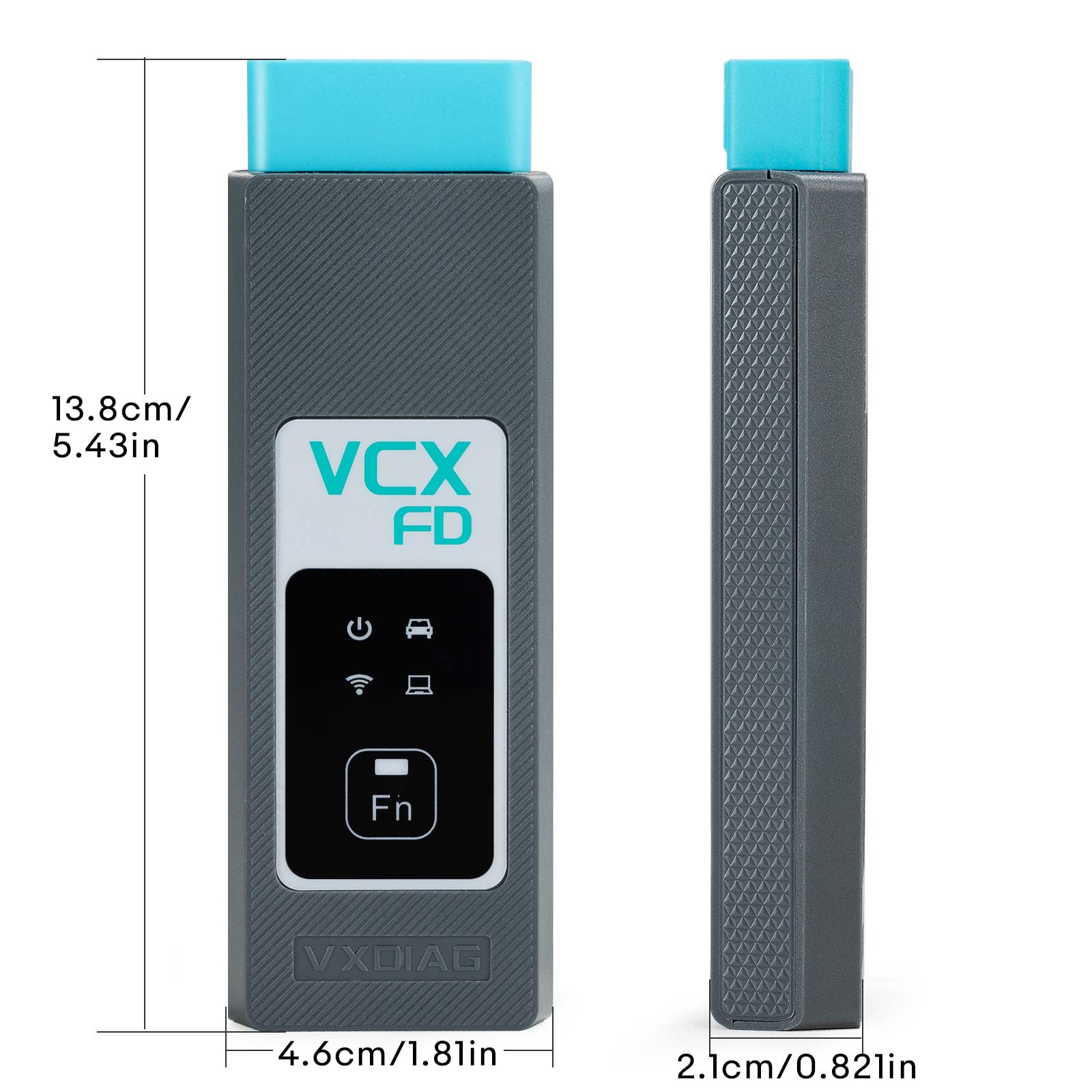
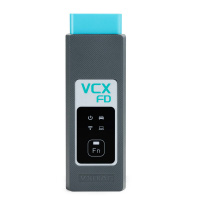
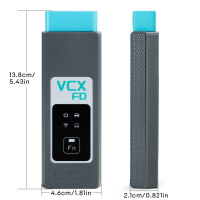
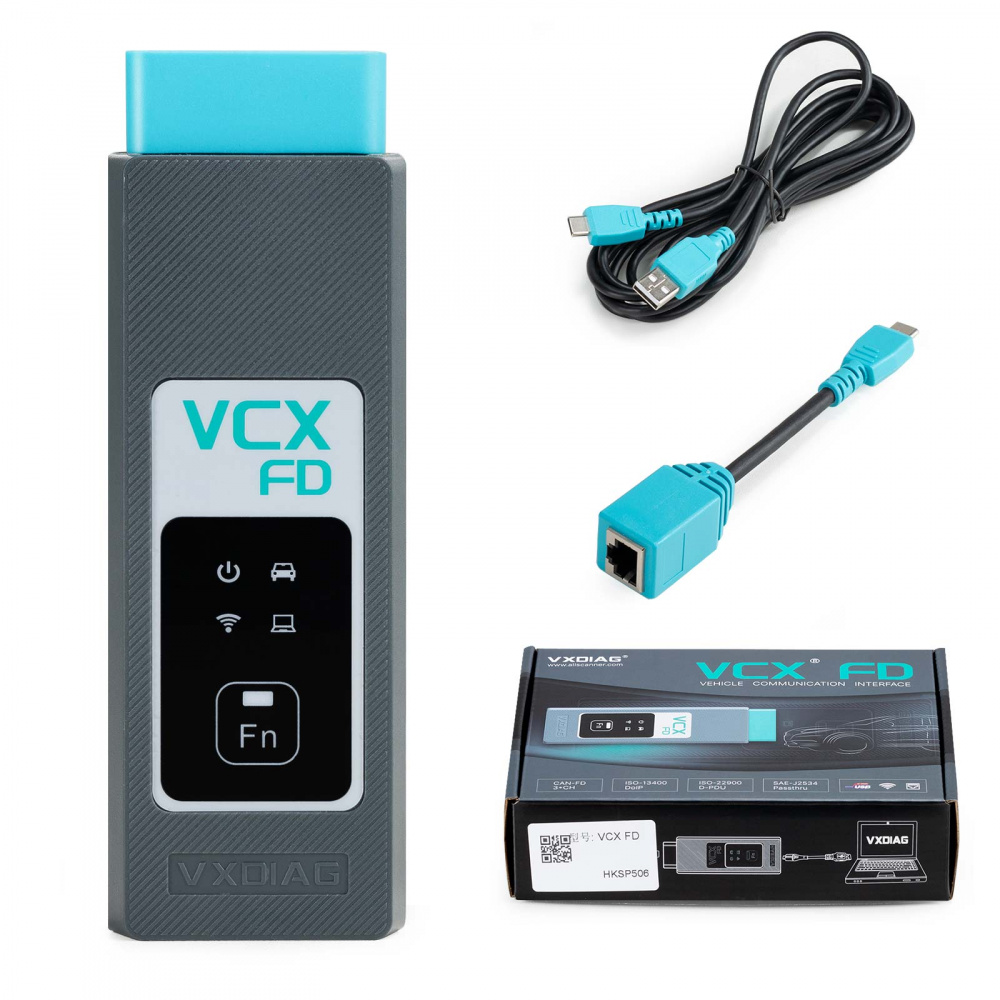
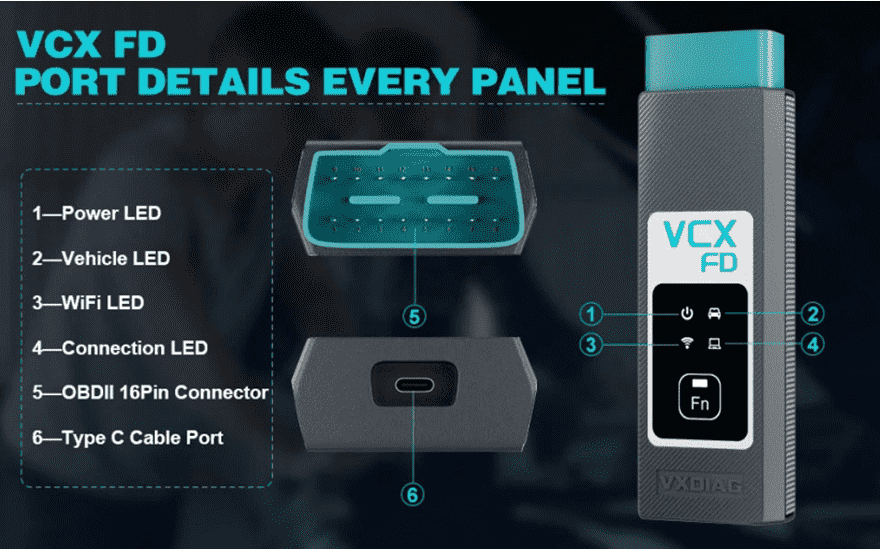 1-Power LED: Equipment Working Status: RED
Breathing flash when starting normally
Flash rapidly during hardware failure
2-Vehilcle LED: Vehicle communication Status:TWO-COLOR
Flash blue during traditional protocol
Flash green during DoIP protocol
3-WiFi LED: Wireless Network Status: BLUE
Flash quickly during wireless communication
Flash slowly during wireless distribution
4-Conection LED: Host Communication Status: TWO-COLOR
Flash BLUE during USB communication
Flash GREEN during LAN communication
Fn Button: Remote Diagnostic Status: GREEN
Flash slowly after remote connection
Flash quickly during remote diagnosis
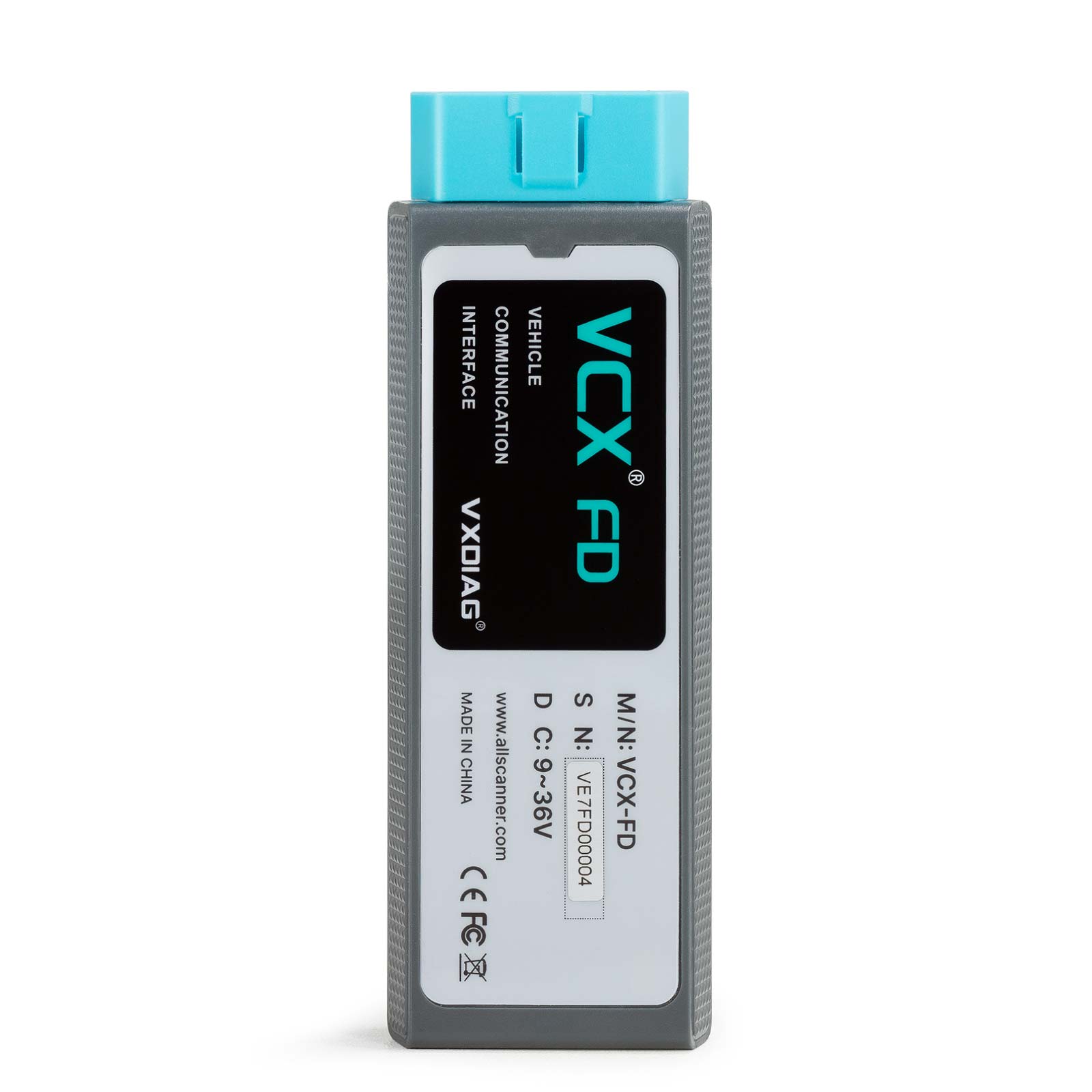
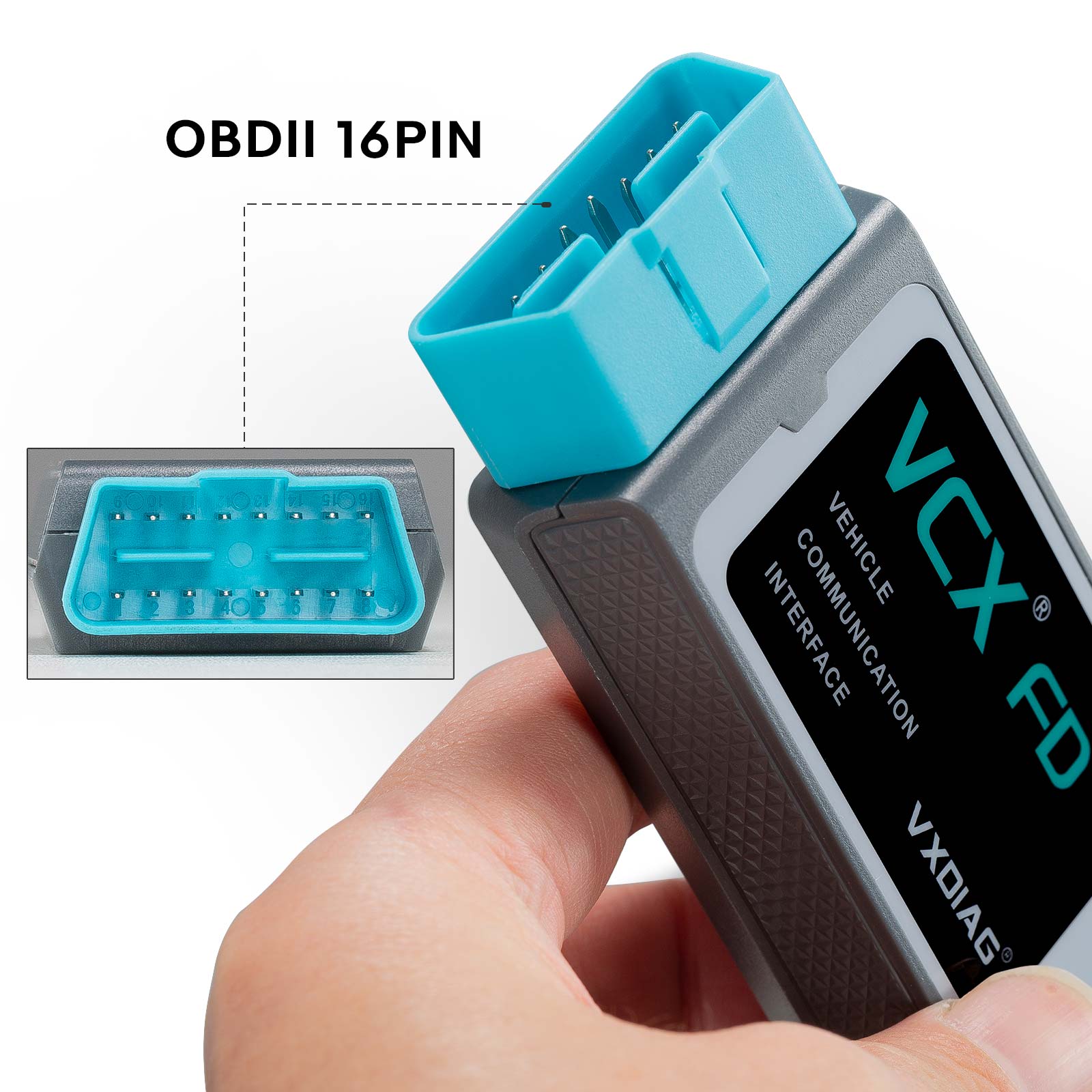
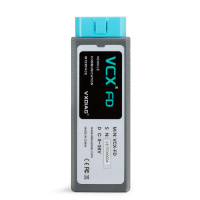
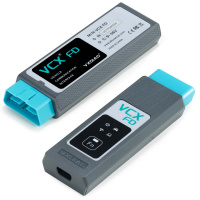
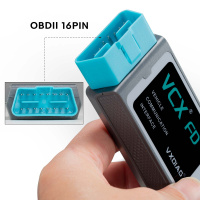
5-OBDII 16Pin Connector: Connect to vehicle's OBD2 port
6-Type C Cable Port: Connect to PC via cable
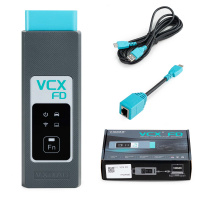
VXDIAG VCX FD OBD2 Diagnostic Tool for GM Packing List:
1pc x VCX-FD Interface
1pc x Type-C USB Cable
1pc x RJ45 Lan Converter
1pc x Paper Case
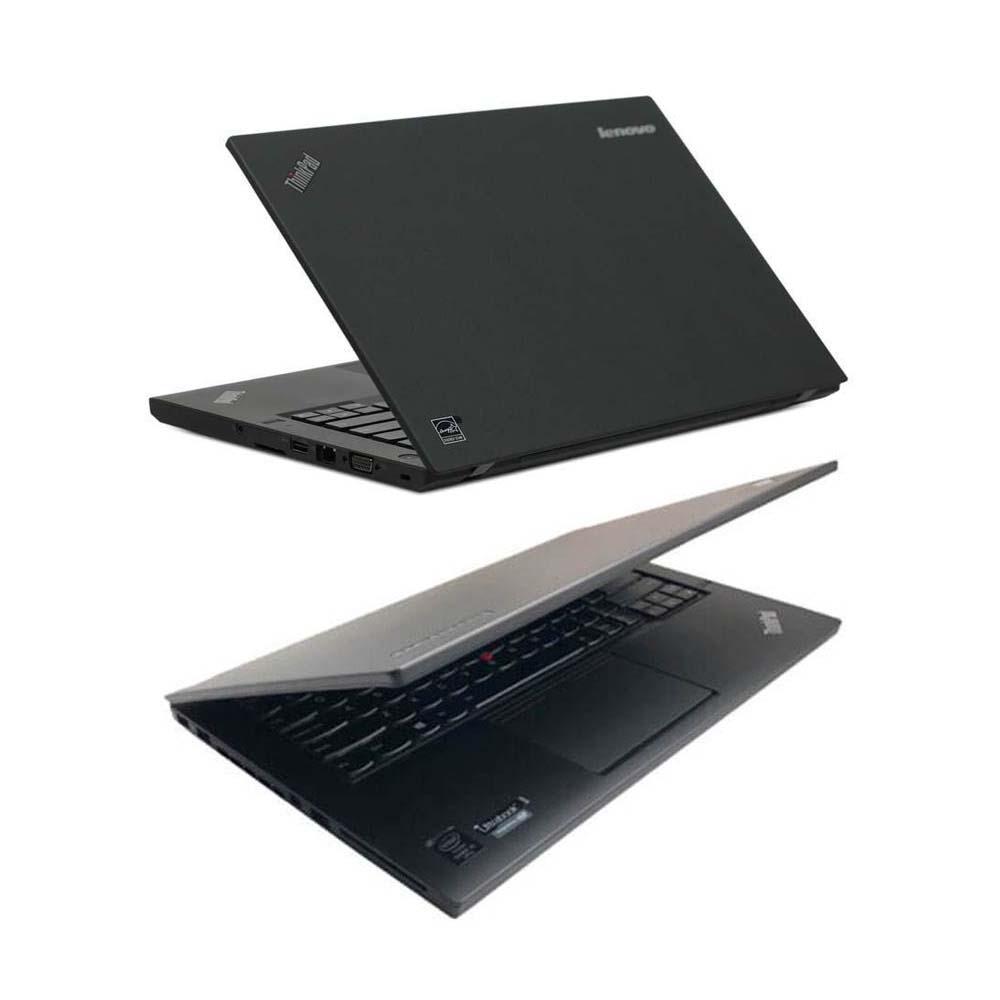
1pc x Lenovo T450 I5 8G Laptop (Option)
Second Hand Laptop Lenovo T450 Laptop with latest software:
Brand: Lenovo
Condition: Used
Type:Laptop/Notebook
Screen Size:14
Processor Type:Intel (R) Core(TM) I5-5200U CPU
Memory: 8GB